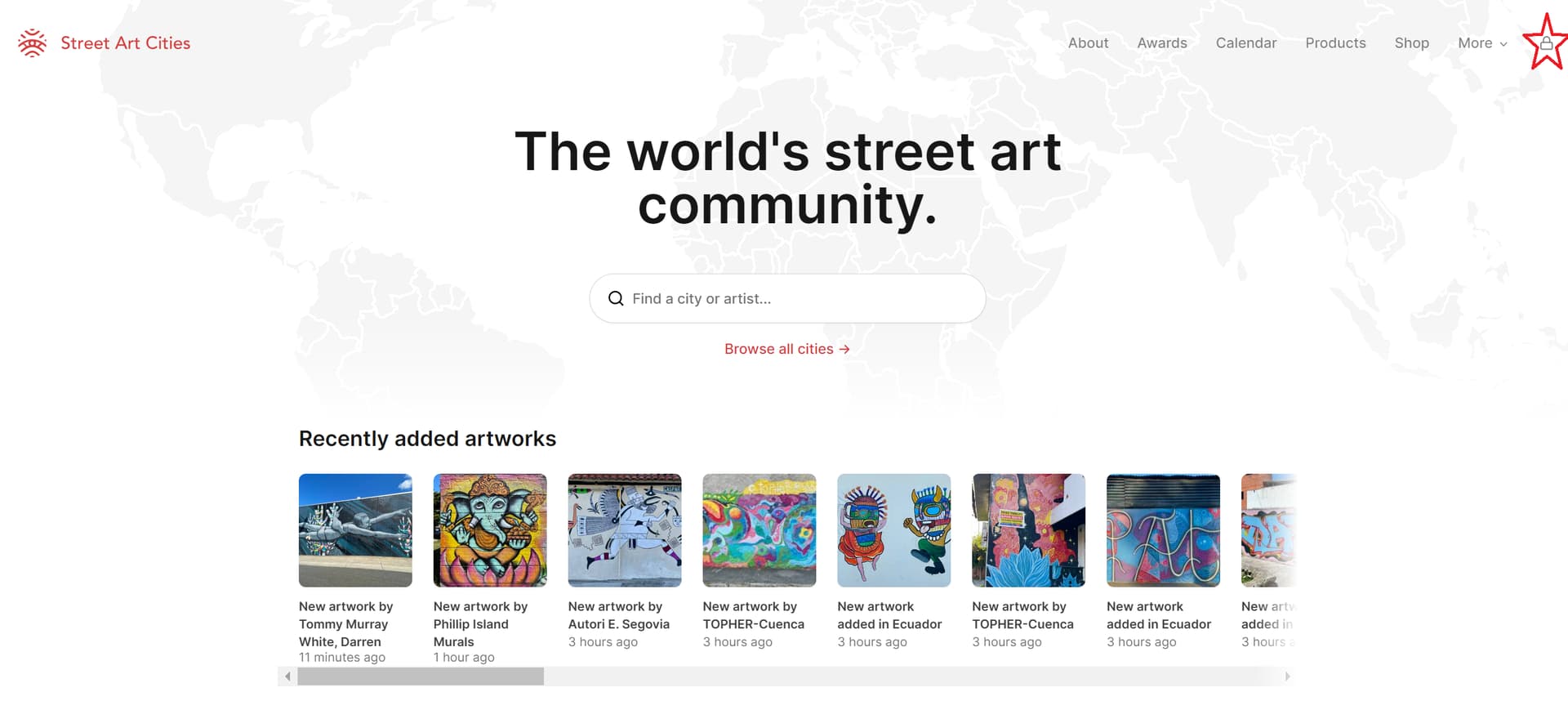
Adding artworks is the most important feature of our platform, over the years we made some improvements and build new features and with the recent interest of new hunters, we thought the time was right to create some community guidelines regarding artworks..
This post will be updated on a regular base adding new info that comes from the community, so don’t hesitate to comment or give feedback 
WHAT:
The first question that comes to mind: "what are we supposed to upload?’
Well, we’d like to think our hunters are the “street art ambassadors” of their city, so think about what would you like to show a visitor when it comes to urban art.
So murals are a no brainer, but stay away from those commercial walls even if the skills of the artist are awesome. We’re not going to do some free promo for coca-cola, 
But what about:
-
tags: we have nothing against some cool graffiti, don’t add those quick 'n dirty tags, if the artist hasn’t put a couple of hours into it, so at least some colors and decent outlines, it’s probably not worth the trouble. Also consider that not all these artists want to be linked to their work… And if the vandalism is so obvious, please don’t.
-
commercial walls: like we stated above, stay away from those
-
stickers and paste ups: stickers are cool but hardly worth mentioning and paste ups, the fast fading nature of these paper beauties are almost impossible to keep track of. But if there’ s a certain location, a hidden alley way or a like a ‘paste up Hall of Fame’, we suggest to add it as permanent marker, telling users that they’re bound to discover paste ups from a certain artist.
-
legal walls: although often some very cool stuff, but also very exhausting to keep up. A "places’ marker is the right thing to do, so the audience can check it out themselves.
-
Tagged artworks: we often see artworks being uploaded that are tagged. I’m pretty sure artists don’t like this. So please don’t upload artworks that are tagged.
SIGN IN
Step one off course is signing in, when you’ve been approved as a hunter you can simply sign in by clicking the  icon in the upper right corner of the website.
After filling your email, you’ll get an email with a link and you’re in
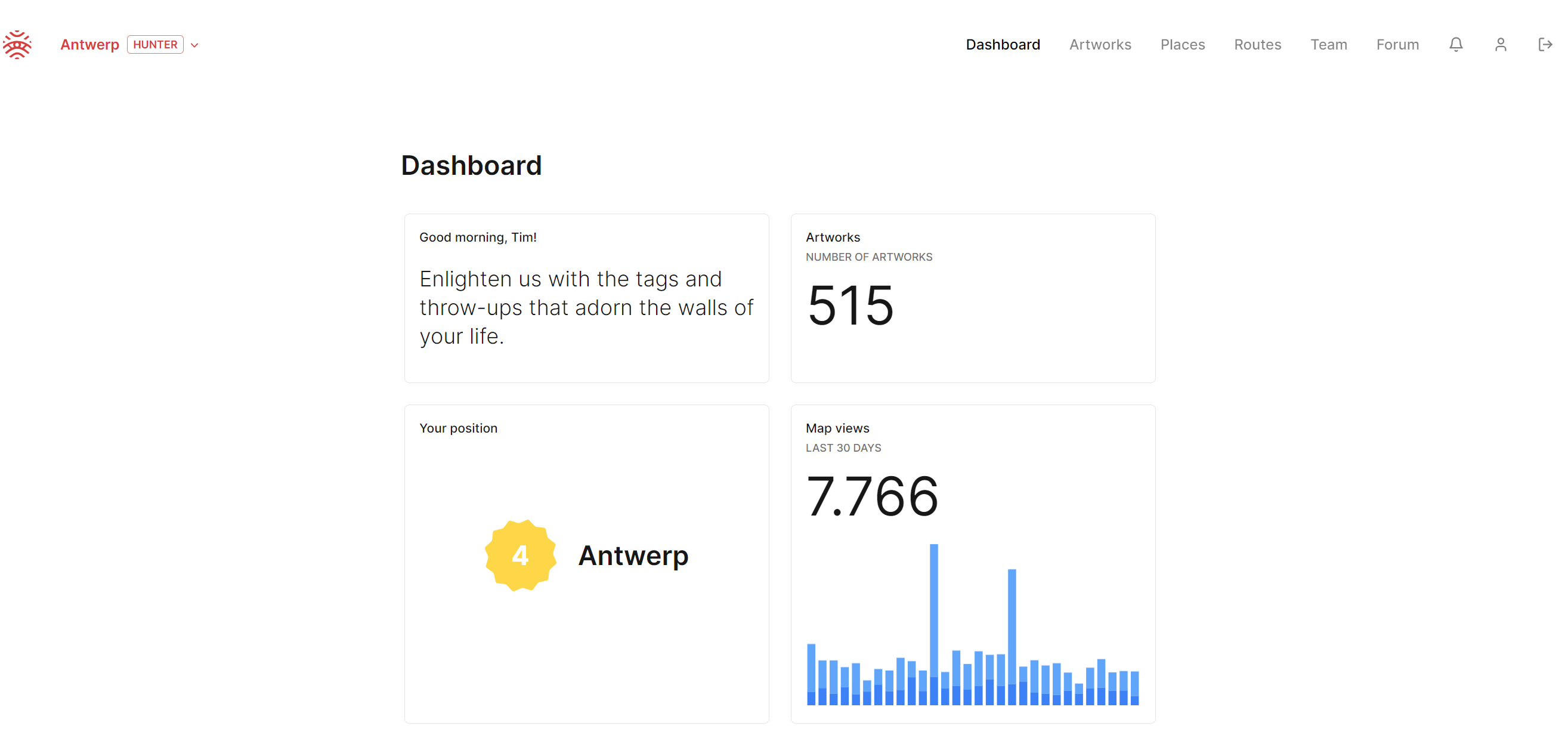
Here you’ll find the hunter dasboard with several pages in the menu.
ADDING ARTWORK
When opening the “artwork” page you’ll find a list of all the artworks that have been uploaded already. Also the ‘removed’ ones, which are archived on our platform.
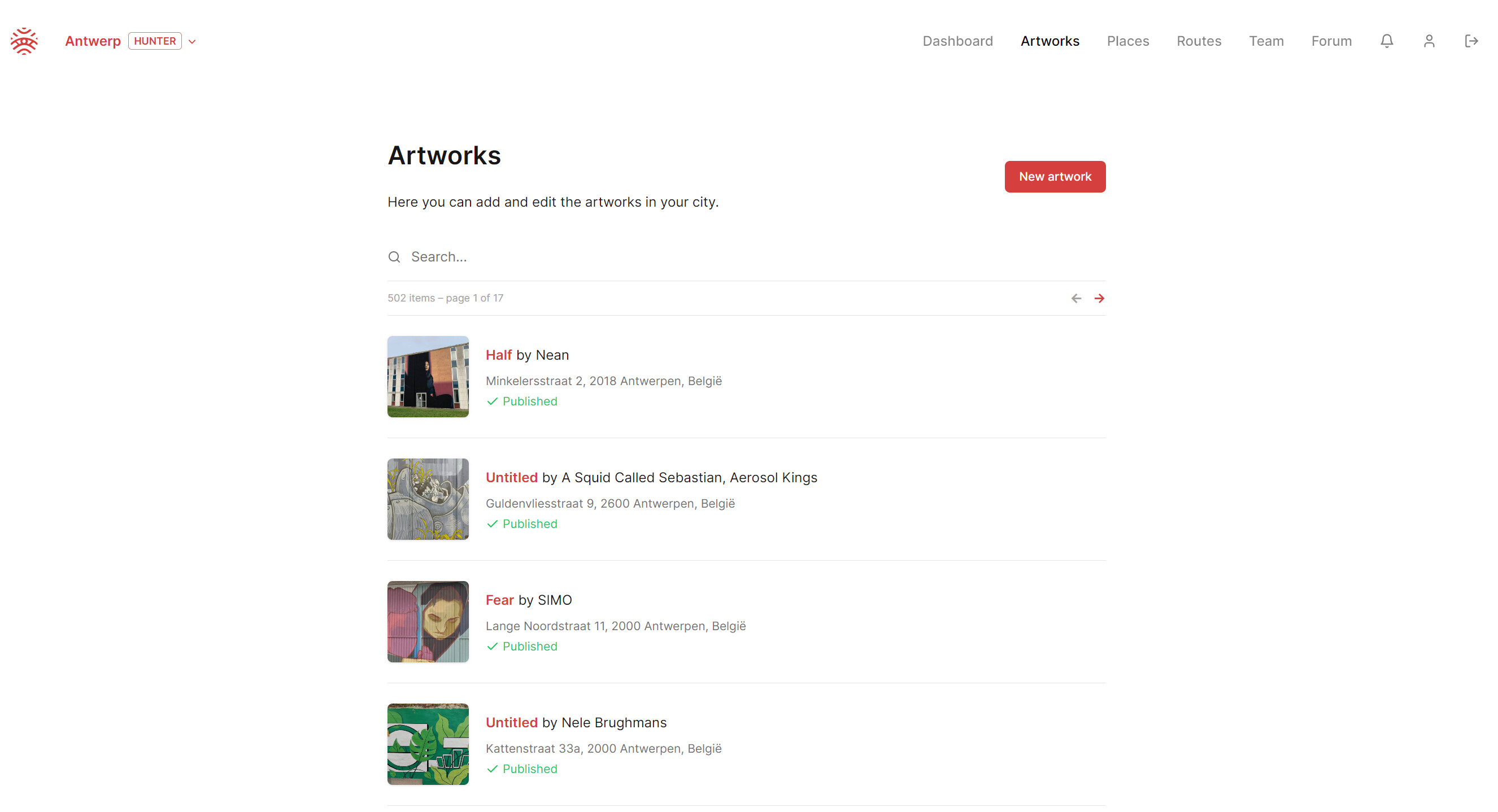
So if you’re new to the local hunter team,make sure you have a proper look before you upload your first artwork, to avoid double uploads.
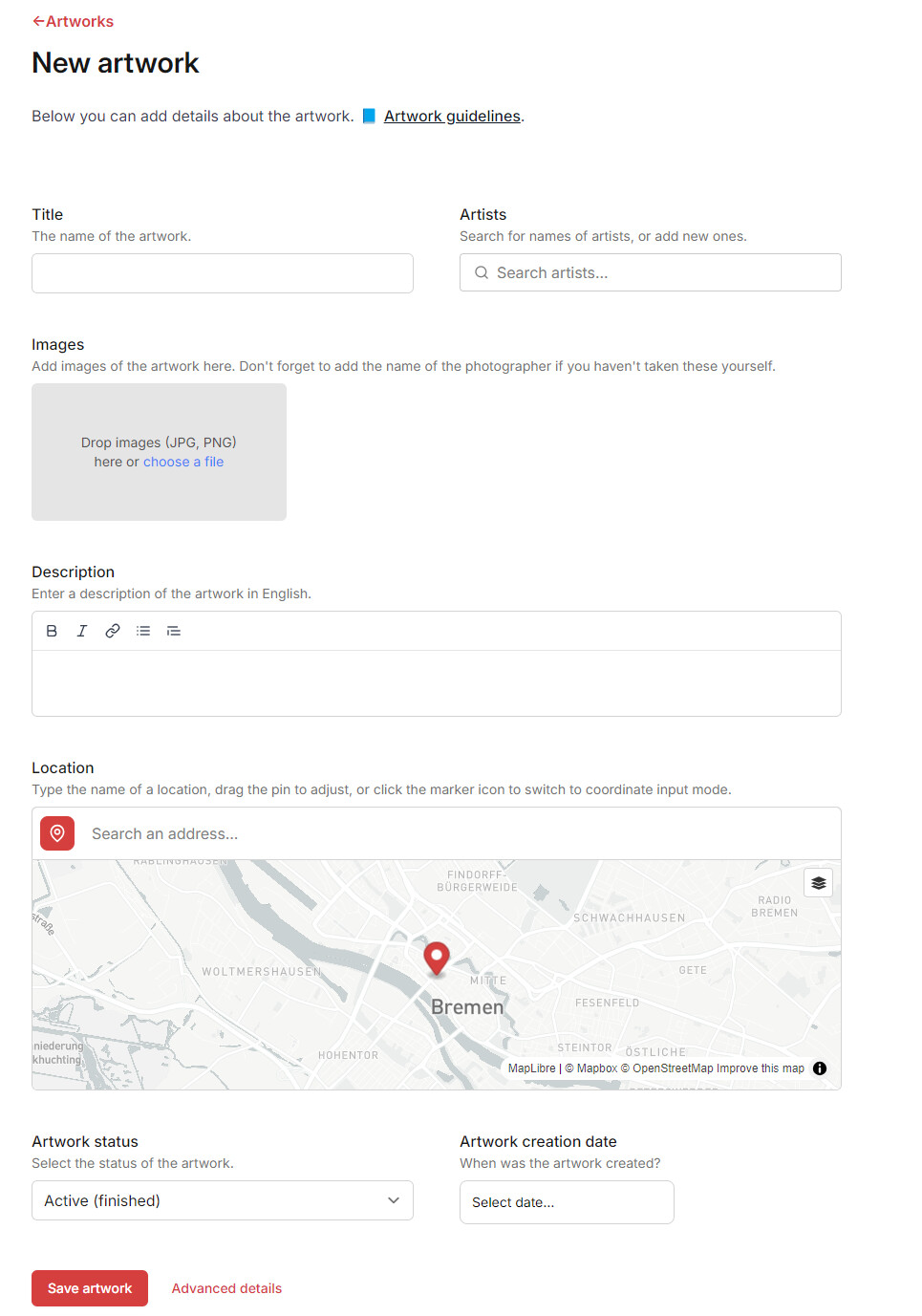
When you click the shine red ‘new artwork’ button, it will open up a new page, where all the magic happens.
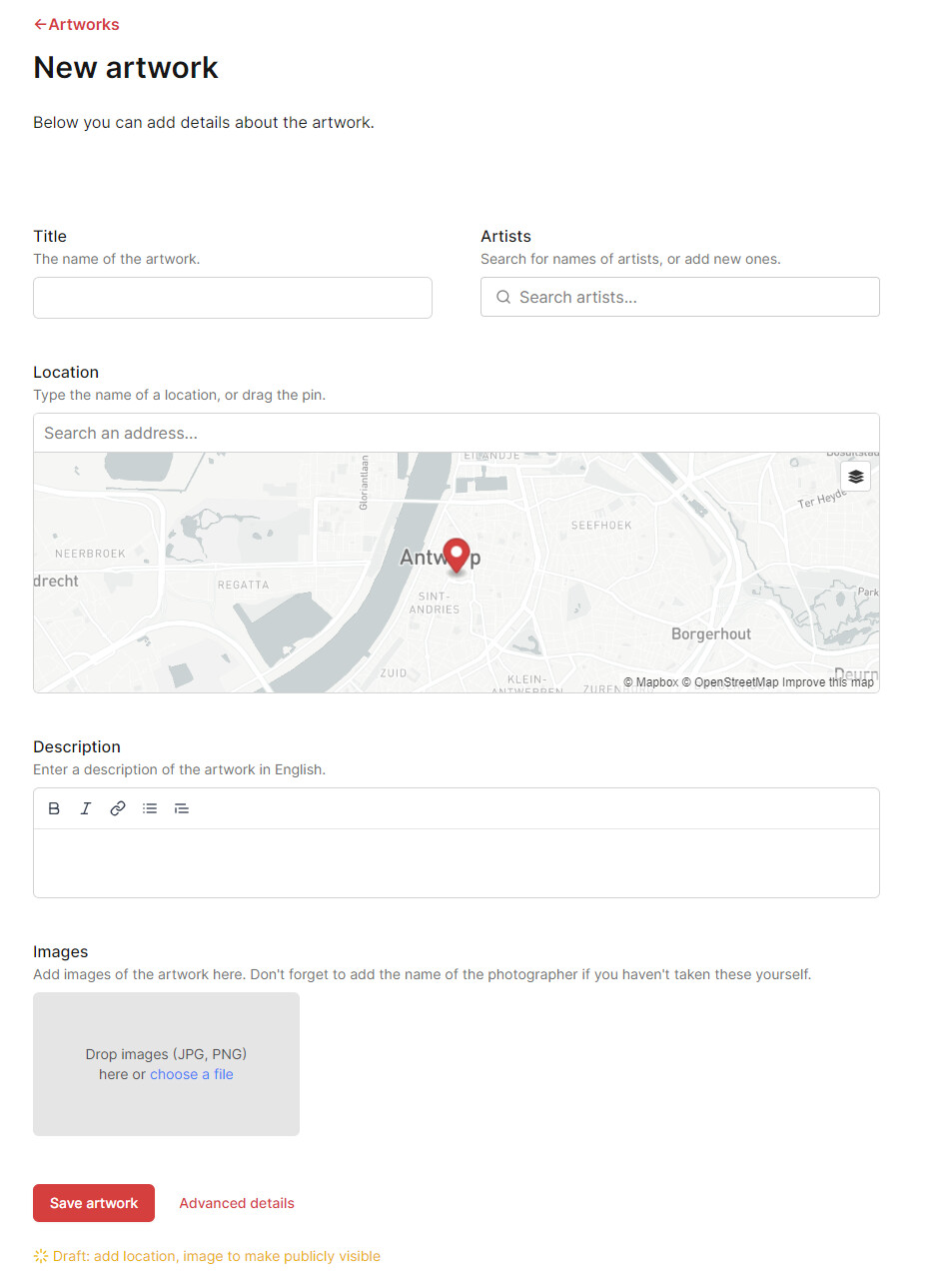
Let’s move on step-by-step:
1 Title: not very important f you don’t know it. But with some resaerch on the artist IG, you’ll probably find out more about it.
2 Artist: very important, but if you’re new to the game it’s sometimes hard to figure out who the artist is. Reach out to local organisations, or fellow hunters to get more info. Why not post on the forum, chances are somebody can help you out.
Also don’t use the IG-based name with the “@” in front of the name, look for the correct spelling of the artist’s name on hisor her website. Or choose an artist from the list with the red verified icon.
If you don’t know the artist yet, you can use the following format which allows us to identify ‘unknowns’ per city fast: “Unknown - City”, where you replace ‘city’ with the city you work in.
3 Location: very important, because I hate it when I use the app and the address is off. So street name and number are very important. If there’s no number, I suggest to use ‘Google Street View’ to pinpoint the exact locaton, and toggle between the ‘default’ and 'satelite" view which you can find on the map view (the littel ‘hamburger’ icon in the right corner). Be carefull when copying the location from Google Maps, always verify on the map if the pin is placed correctly.
Avoid pinning artworks on the same address, because this will show as a cluster on the map. This means some artworks are not visible and our users might miss it.
If you for example want to add multiple smaller artworks like stencils or paste ups, just add the multiple pictures on one ‘artwork’.
You need to add the address to publish the artwork.
4 Descripton: it’s easy to write a few lines about the artwork, check their IG posts or do a simple Google search for some articles. You can add the description in the native language first and add an English translation underneath.
You can also add hyperlinks in the text by clicking the  icon.
icon.
5 Pictures: Add at least 2 pictures, the first one should be a detail shot as it is being used in the marker on the map. The 2nd one should be a good overview shot placing the artwork in it’s surrounding. If you have some ‘work in progress’ shots, you can also add those.
Preferably you use your own pictures, after all that is what we hunters do. But if you’r e not the photographer, please ask permission and add the credits in the picture when it’s uploaded.
6 Advanced Details:: this opens up a side panel with some extra info to add.
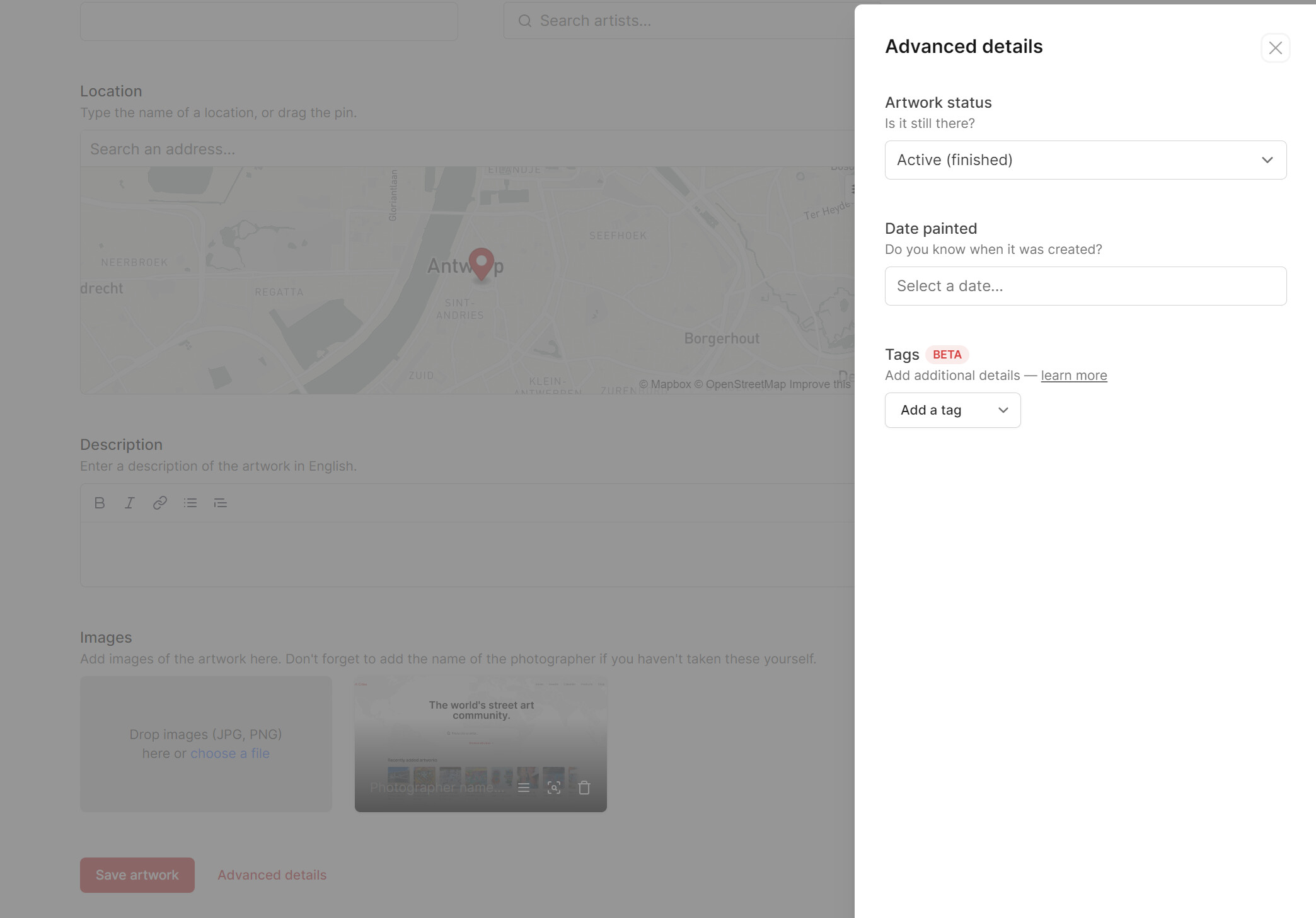
The first dropdown menu tells something about the status of the artwork.
ACTIVE: the art is still there and shows on the map
IN PROGRESS: you can use this to share a new artwork is being worked on, also shows on the map. When it"s finished, don’t forget to change the status to "ACTIVE)
REMOVED: means it’s gone, it no longer shows on the map and is being archived.
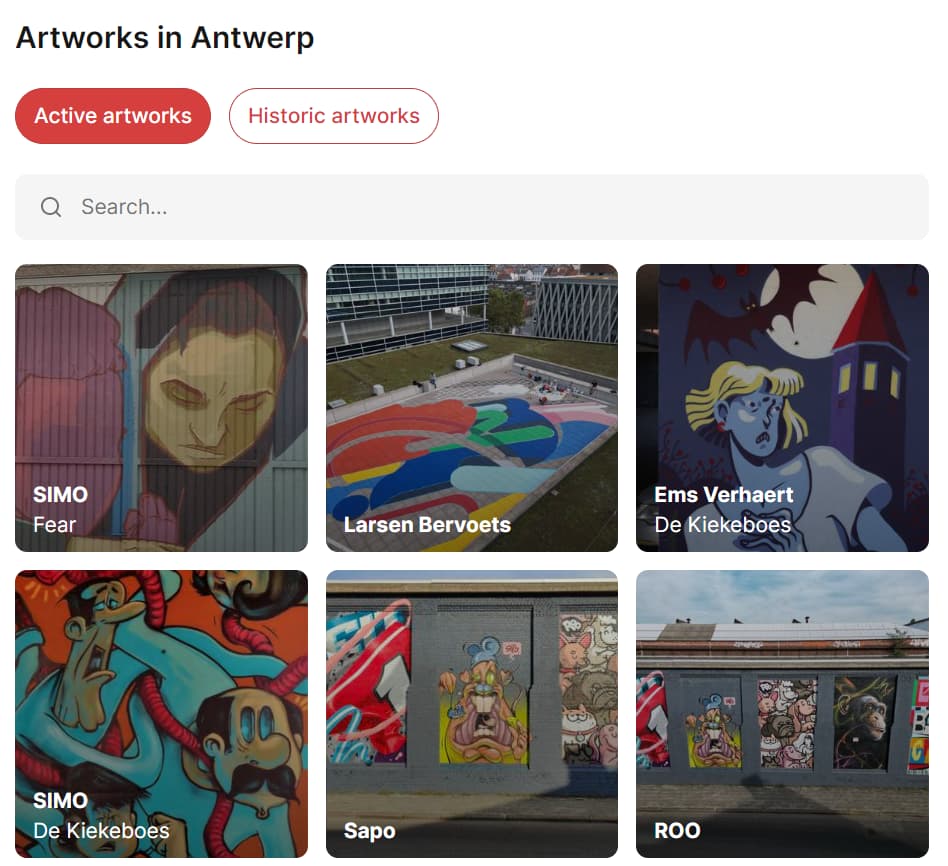
The removed artworks can be seen on the map as “hstoric artworks”
DATE PAINTED: if you know when it has been created, fill in the date.
TAGS: our latest feature, which helps us to add extra data to the artworks, this is used in all kinds of filters. The most important ones to add are ‘festivals’ and ‘organization’. But if you want to add more, by all means…
More info these “marker tags” can be found on our forum
To close this side panel, just click somewhere in the screen and then you’re ready to publish by clicking that red SAVE button at the bottom.
It usually takes a couple of hours to appear on the map, so make sure you check it later. If there’s something wrong, don’t hesitate to reach out by email or on this forum.
UPDATING ARTWORKS AFTERWARDS
It’s always possible to edit artworks afterwards, maybe adding a cool description when you found more info on it or you finally found out who the artist was.
With our community growing, more hunters being added, artists getting in the mix and our QC team expanding editing somebody others work is possible! But like in the artworld itself RESPECT is the keyword, don’t go editing another hunters work without notifying him or her, because they’re might be a reason for a certain series of pictures or description. Some hunters get very territorial if you go changing stuff they uploaded.
So before you change anything somebody else uploaded, give them the heads up please.
Adding ‘marker tags’ is not really a problem, as these are minor changes.
So please respect other peoples work, that way we follow our ‘teamwork makes the dream work’ mantra and we don’t demotivate hunters and chase them away. That would be a shame!
So that’s it for now, i’ll update this post regularly so if you have anything to add, let me know