A visitor spots an artwork and submits a suggestion, including at least a photo and location. They can also add the artist name and other details if they know them.
The suggestion shows up as a note in the local hunter’s dashboard, where they can use it to quickly create a draft artwork — pre-filled with the visitor’s details.
Once the artwork goes live, the visitor gets a notified.
This is a great step forward for community-driven documentation of street art. Big thanks to everyone who shared feedback on this in the original feature discussion!
Currently, this feature is a bit hidden – this is by design, so that we can slowly ramp up submissions and see how it works, before we start advertising it more widely.
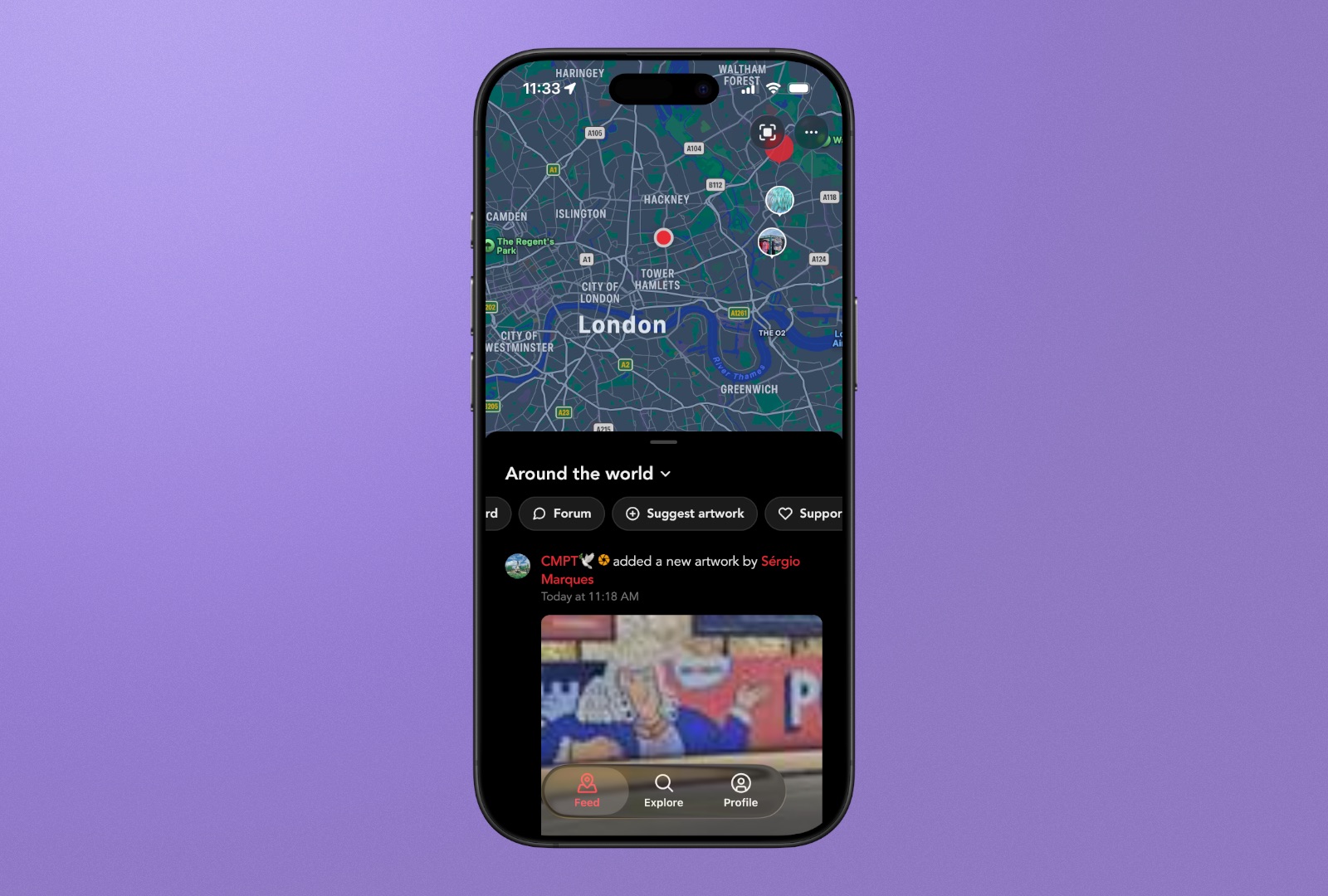
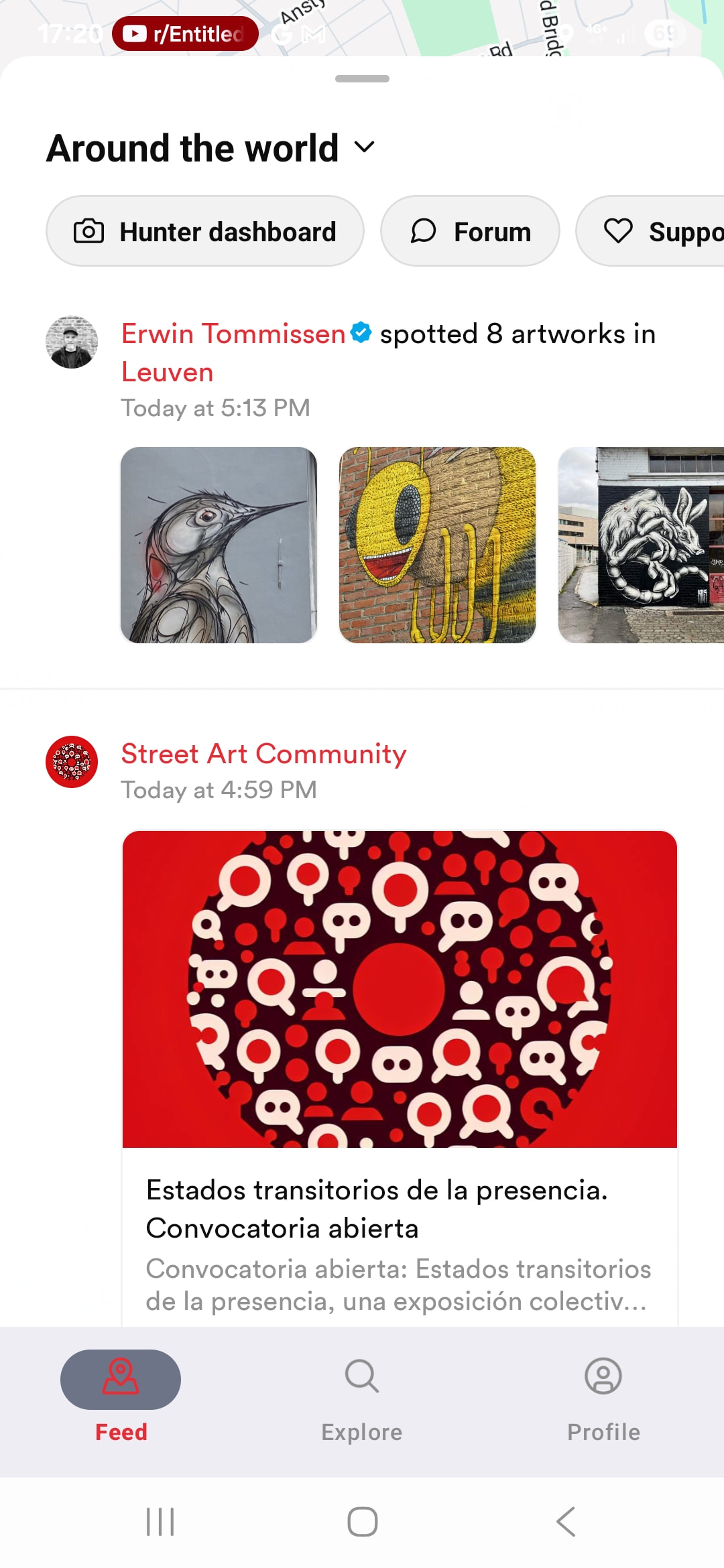
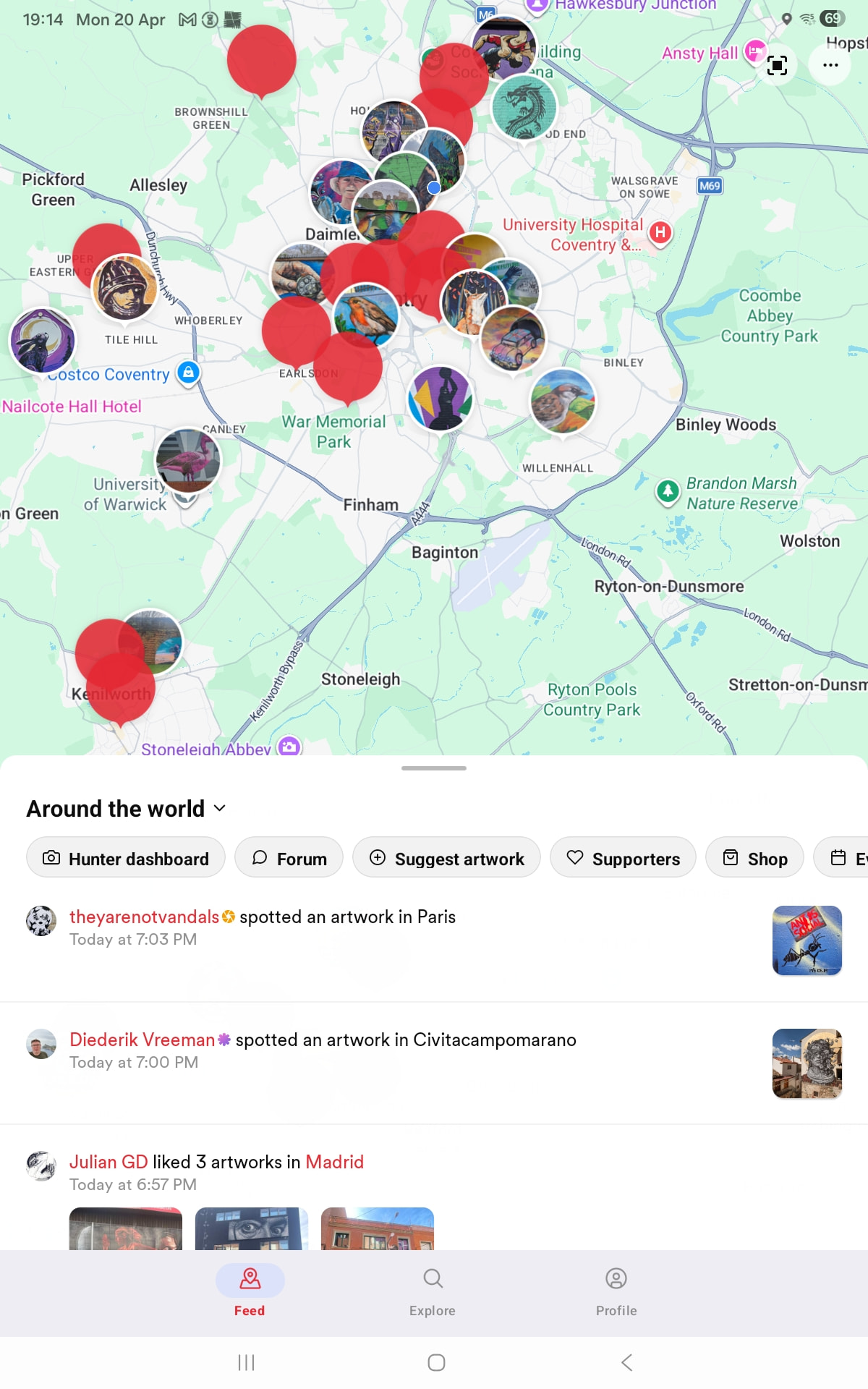
It’s one of the buttons in the horizontally scrollable bar above the feed. For regular users it will be the second button, for hunters it will be the third.
Like I said, pretty hidden for now, but just to make sure we roll this out slowly.
I wondered if it might have been on there, somewhere. I had already tried to scroll, but it won’t move. I did also set my phone so tbe screen would auto-rotate, in case landscape mode made it visible. The screen won’t rotate.
I can confirm that the scrollable menu is not scrollable for me too on Android. Nor does it show the new button in the first three position that I can see. On iOS it does scroll and show the option though.
Hey Thomas,
Love this new feature but I have a few questions about how it will work.
Will it allow the addition of “suggested artworks” where there are no active hunters? If so, I guess then it will be up to CMs and Admins to manage?
Will the allocation of “suggested artworks” to Cities work the same as for artists when there is no City defined (ie it will put them in the closest city if there is one within 150km, otherwise will orphan them)?
Is there any way for a CM or Hunter to contact the submitter of the suggested artwork to ask for more information if required?
If the CM, Admin or hunter declines the suggestion does the submitter get a notification and is there a way for the CM/Admin/Hunter to provide a reason for the declination?
Doesn’t seem to work yet. Just got this message from a user:
Hello,
I‘m a visitor from Germany
, not a hunter.
I can see the function, but I get a message saying I need to be a hunter.
I thought visitors could submit suggestions to hunters. Unfortunately, that doesn‘t work.
Best regards, Nicole
Weird! We already have received about 15 submissions from other users. Might be some weird thing with not being signed into the app when you press the button, I’ll check!
It does allow uploading those, but if there’s no nearby city, there’s not really an action that can be taken yet. I’m currently thinking of those as future potential when we do add a new city, since I don’t think it makes sense to create new cities just for a single suggestion.
Not currently, but this would be cool! Will add it to the backlog!
Could it be down to whether or not they are using an iPhone?
Although, if they are on an Android mobile, they won’t be able to see the button at all, as the horizontal scroll isn’t working. Horizontal scroll doesn’t work on my Android tablet either, but the button is at least visible.
@thomas I’m pleased to say that the Suggest Artwork feature is showing up on my phone AND the horizontal scroll is working! I look forward to giving it a try…