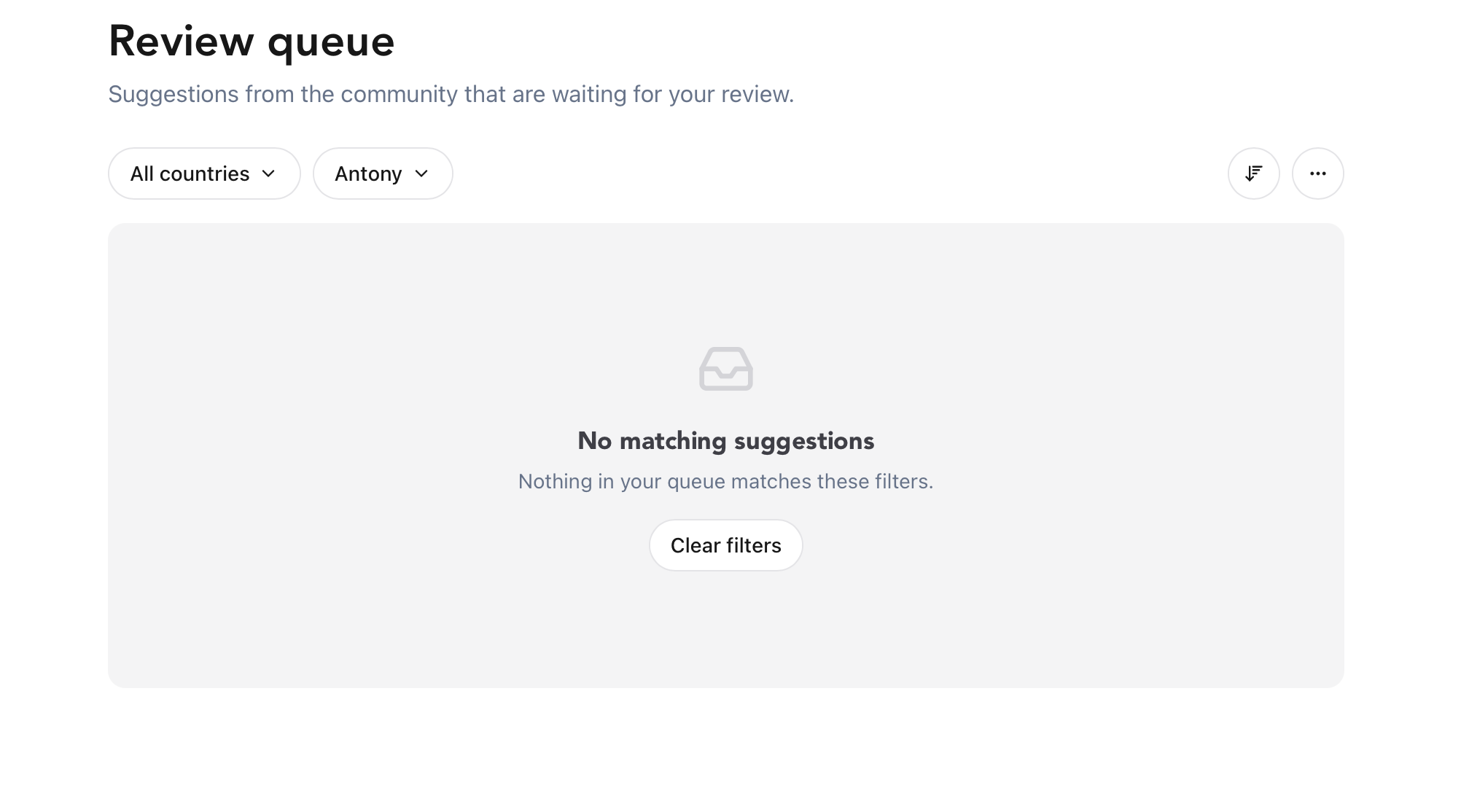
With the rollout of the Super Hunter role, we’ve giving a small group of trusted community members platform‑wide edit powers. That’s huge, and with great powers comes great responsibility, so it only works if suggestions are reviewed with care.
Suggested artworks are one of the biggest sources of errors on the map: duplicate uploads, wrong artists, festival mislabels, or even photos of works that aren’t street art at all or not very good quality. I personally removed a couple of approved uploads beacuse I sensed it was already uploaded, so this moved me to write this set of tips.
Super Hunters are now the frontline of quality control. Not admins, not city managers — you.
This post explains how to handle suggested artworks responsibly, efficiently, and consistently.
1. Treat every suggestion as a review, not an approval
Suggested artworks are not automatically trustworthy. Especially app users vary wildly in experience, context, and research habits. Some are brand new. Some upload quickly without checking. Some simply don’t know the artist.
Your job is to slow down the pipeline just enough to keep the map clean.
2. Run a quick Google Lens check
This is the fastest way to verify an artwork:
-
Upload the photo to Google Lens
-
Check for matches on Instagram, Flickr, festival pages, or artist portfolios
-
Look for the artist name, festival tag, or location confirmation
It takes 10–20 seconds and solves most unknowns instantly.
Use this as your default first step.
3. Cross‑reference with the Street Art Cities map
Before accepting:
-
Search the artist’s name in the app
-
Check if the artwork already exists (duplicates are common)
-
Compare style, themes, and location
-
Confirm the city and neighbourhood match the submission
This prevents double uploads and keeps artist profiles clean.
If you want to dive deeper into this technique, explore style recognition or artist search tips.
4. Verify the artist name format
Super Hunters should always enforce correct naming:
-
No Instagram handles with “@”
-
Use the verified artist profile when available
-
Check spelling against the artist’s website or portfolio
If the artist is truly unknown, use the correct format:
Unknown – City
More on this in artist naming rules.
 5. Check the city’s Unknowns page
If the suggestion looks familiar or similar to an existing unknown artwork, check the city’s Unknowns page. You might be able to solve multiple unknowns at once.
This is especially helpful for cities with active hunters or festival-heavy neighbourhoods.
Why this workflow ?
Super Hunters aren’t meant to be admins, they’re meant to be trusted, skilled reviewers who keep the map sharp without slowing it down. This workflow:
-
Prevents duplicates
-
Reduces “artist unknown” clutter
-
Keeps artist profiles clean
-
Maintains festival accuracy
-
Helps new hunters learn through better accepted examples
It’s fast, reliable, and scales beautifully across cities.
A stronger global map
We’re rolling out the Super Hunter role slowly, and your impact will be felt immediately. Every careful review strengthens the map for photographers, travellers, artists, festivals, and the entire community.
If you have extra tips, workflows, or detective tricks, share them, the more knowledge we exchange, the better our global street art map becomes.