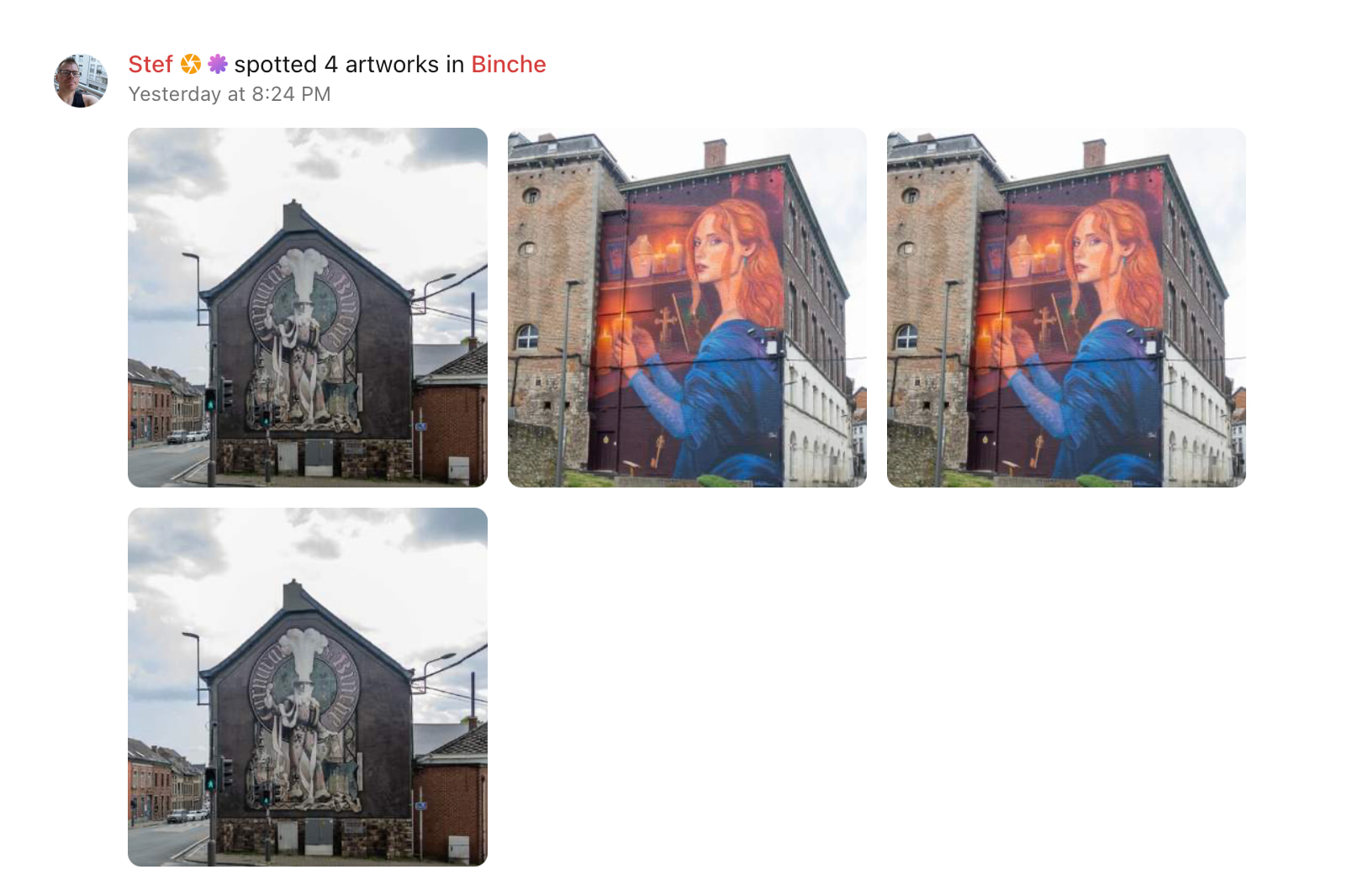
We’ve added a like button to artwork on the website! Previously, you could only like artworks in the app.
This is the start of adding more social features to the website, to make it more interactive.
We’ve added a like button to artwork on the website! Previously, you could only like artworks in the app.
This is the start of adding more social features to the website, to make it more interactive.
And a seen button as well:)!
Great for those who archiving their pics at home on pc!
Is the seen button on the web fully functional?
Cause I hitted the seen on the app, and on the web:
Oh good catch! I fixed this, so it can’t happen again. It shouldn’t affect stats or anything else.
I really like where this is going, slowly but surely merging the experience on web & app. Great move <3
Couldn’t agree more. 
Suggestion
The “Seen” feature is now available in both the app and the web version — thank you for adding that!
A possible next step could be to add a “Seen?” (Yes / No) option directly on the artwork upload page.
Why would this be useful?
Sometimes we upload artworks based on photographs provided by artists , even though we have not physically seen the artwork ourselves yet. Having the “Seen?” option during upload would avoid the extra step of opening the artwork record afterward and manually updating the status.
Future enhancement: Photography Date
As we often upload artworks days, weeks, or even months after the photos were taken (unfortunately, a day only has 24 hours  ), it could also be helpful to include a field for the photography date .
If you consider implementing this idea, I would strongly recommend not placing it in the keywords section, where it could easily get overlooked. Instead, it should be clearly visible on the upload page and treated as important metadata, alongside fields such as address, artist, and location .
The website now automatically marks your own uploads as seen, we still need to add this to the app. (I’ve fixed this by the way, it was a bit inconsistent before!)
I’m happy to add the photography date as a tag, but I don’t think it should be more prominent than that, since in my mind it’s somewhat secondary (but useful!) info.
@TinyTim what do you think?
Hi Thomas,
Will the photography date tag be automatically linked to the “seen” timestamp?
I’m asking because, to create an accurate timeline of seens, it would make sense for these two fields to be connected. Otherwise, I’m not sure the photography date tag adds much value.
I’m also concerned that the photography tag could easily get lost within the long list of keywords and be overlooked.
This brings me to another idea regarding the keyword list. Keeping the list in alphabetical order makes sense, but could we introduce some customization options?
For example, users could pin their five most frequently used keywords to the top of the list to avoid excessive scrolling.
Since we already have a substantial amount of data, another option could be to automatically reorder keywords based on usage frequency, from most used to least used, or perhaps assign priority based on their importance? Just crossing my mind.
Related to this, as a Hunter and a seeker. Sometimes I find older artwork or large pieces that only have one photo of them from some time when they were origenaly added.
Is it possible to add more new photos to existing artwork once you’ve Seen it.
This could also be useful for documenting artwork that evolves, or if the artist expands the mural.
I’m using the app and did not see an option to do this.
Hi, and welcome to the community!
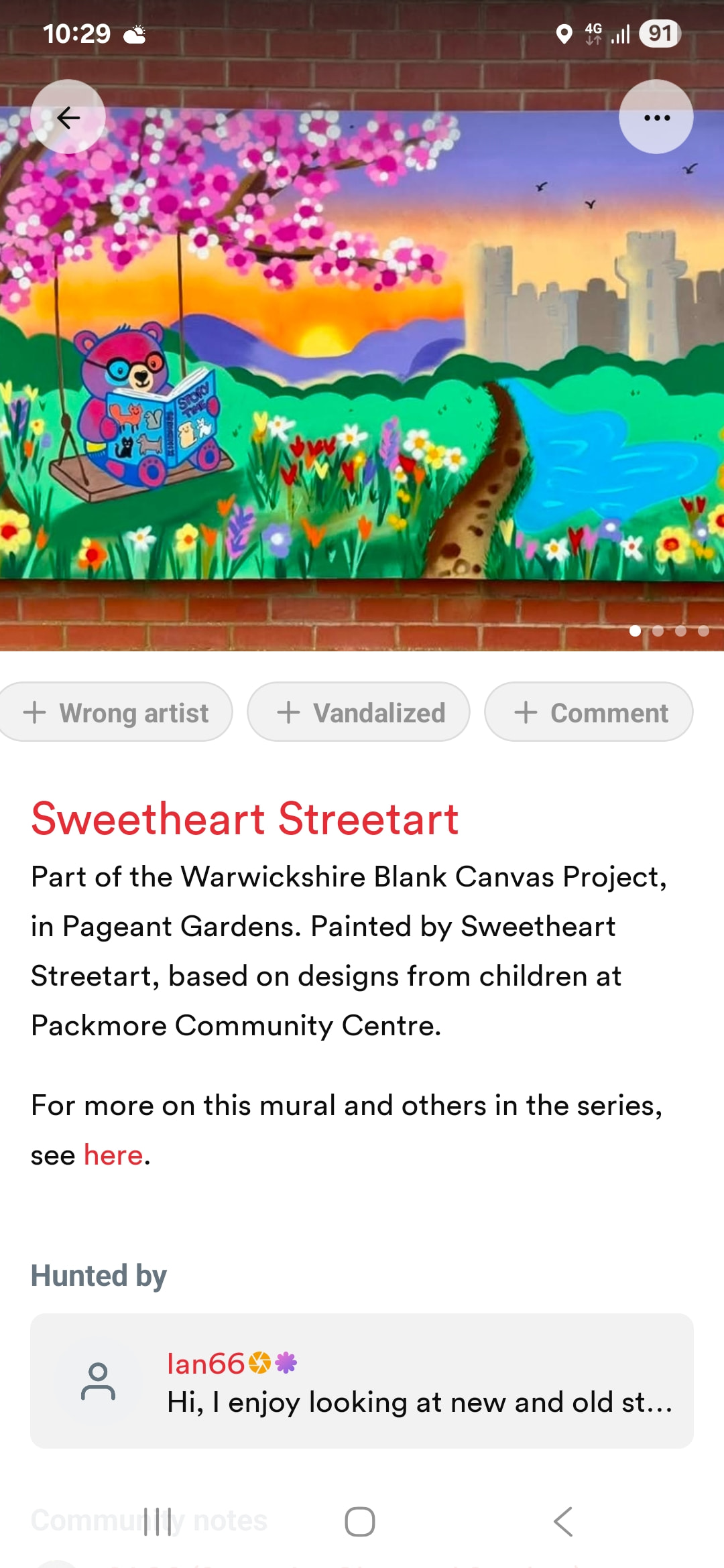
It is possible to upload photos as part of the Comment section. (Button on right hand side, under image)
That screenshot is from the mobile app, btw. The comment will appear for the entry, but you won’t see the image.
However, on the hunter’s dashboard page for that city will show the image. There is nothing explicit on the page that suggests the image gets used, so you might wish to include that in the comment.
It might be that having a clearer route for adding photos is an option for a future improvement?
Yeah something that allows everyone to see the commented images. Some hunters only take one image. And it might change. Something else connected to this would be a way to tag an area like a freewall as an ever evolving constantly changing piece and have a gallery of archived pieces one could add too.
There is a way of showing the history of a wall, and that’s with the Timeline feature.
https://streetart.community/t/how-to-use-the-new-timeline-feature/3121
It’s still not working properly I think.
So, when I upload a work (always through pc) it’s automatically ‘seen’ after a few seconds.
When I check a bit later on the timeline (app), the seen is not red / not marked as seen.
Oh yes indeed, found a bug in the app. This will be fixed in the next app update.
This topic was automatically closed after 2 days. New replies are no longer allowed.