Hi!
The other weekend, I was enjoying the new murals around Kingston upon Thames. This was the Saturday after the festival. Whilst I was admiring all the new murals near the Riverside, a gentleman came up to me and asked if I could help him find the murals. Insert massive grin on my face, as I showed him the SAC app!
Unfortunately, he didn’t have enough space on his phone, so i advised him to go to streetartcities.com, which he did. And I did on my phone, too. And a big problem revealed itself…
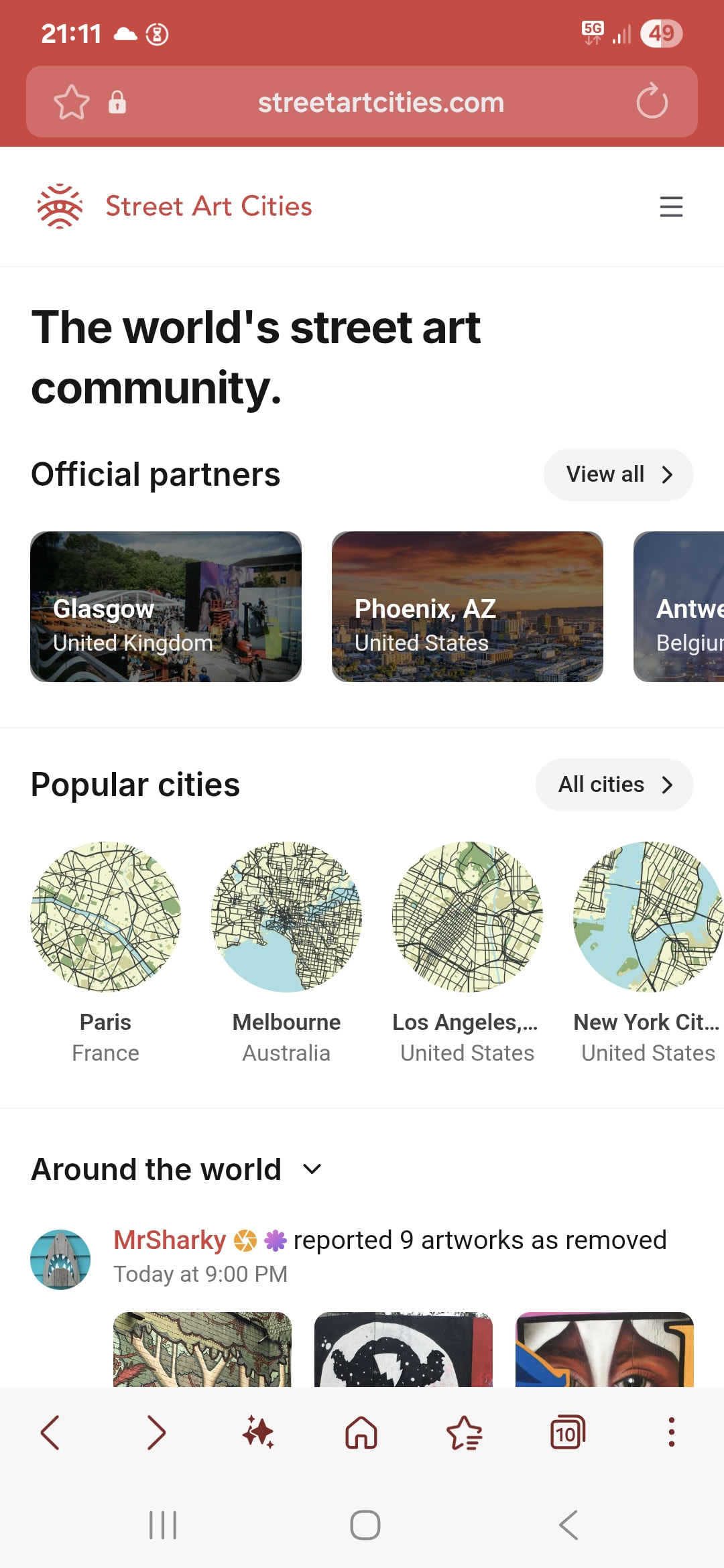
…where’s the map???
Try as i might, I couldn’t find it. I assumed the screen that was displaying was like the display when viewed on a tablet or PC: something that could be minimised to reveal the map underneath. Certainly, when viewing on those other devices, the map is at least visible, but not here.
Anyway, I was at least able to share the up-to-date festival map that had been put on the forum (thanks, @Ibrahim!), which was better than the one he was carrying,the one from last year.
So… how do you view the map on your mobile, when viewing through a browser?