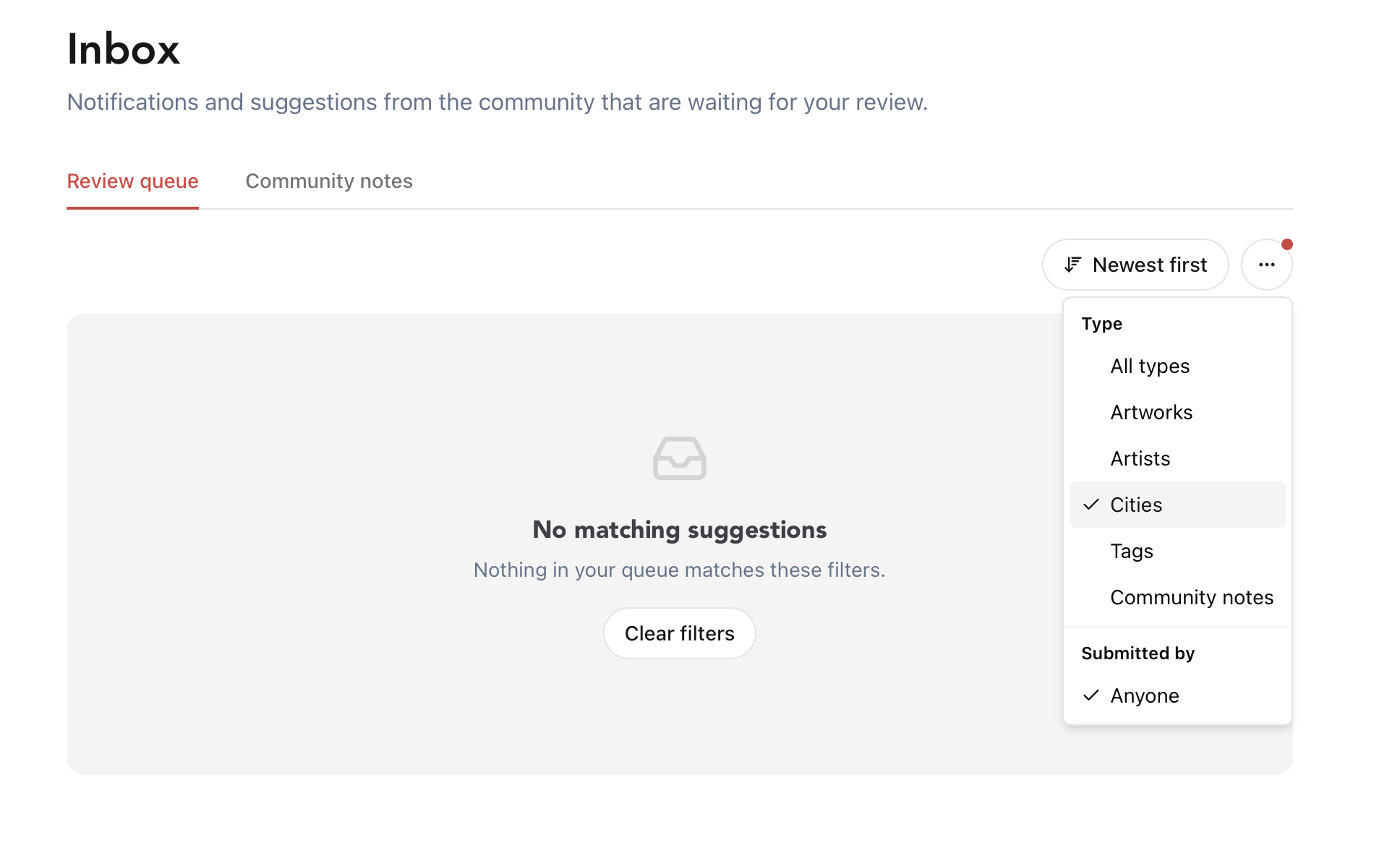
Is there a way for Super Hunters to switch the inbox between seeing absolutely everything, and seeing only the community notes for the city we currently have activated on the dashboard?
The reason I ask is I have been expecting to see a new mural appear in Bedworth, added by artist and hunter Lord Numb. I saw him earlier today, and asked about it. He said that because he isn’t a hunter in Nuneaton, he used the Suggest Artwork feature. I went to have a look on the dashboard, but as I’m a super hunter, it shows everything across the globe.
I know it’s possible to narrow down to the specific city, but it can take ages to scroll down to the city. That’s on the community notes page. For the review page, there is no filter. There also doesn’t appear to be a mural from Lord Numb/Brink either.
So, at the moment I have no idea if it’s a case of the mural didn’t load from the suggestion page, or if it is there, but I’m failing to find it. Having a way to switch modes would be helpful, or at least have a simpler way of filtering the drop-down list without the need for lengthy scrolling.
Typing all this, I’ve had another idea… On the main map, switch it so those with the power of accepting suggestions have a filter that will show only the locations of suggested artworks?
(Once again, I acknowledge that this might not be an easy thing to implement)