The Core Idea
With our audience growing we often got the question why they can’t submit artworks, not always understanding the whole hunter concept. But why waste this on site knowledge so we introduced an all new ‘suggestion’ feature and tweaked it along the way
Users can now suggest new artworks and edits to existing markers, directly from the Street Art Cities app and website.
These suggestions flow straight into the hunter dashboard, where they can be turned into real, published artworks in minutes.
This guide explains how suggestions appear, how they are processed, what’s new, and how this system will evolve.
1. How artwork suggestions work
Before a user can submit a suggestion, the app quietly checks a few core Street Art Cities guidelines, the same ones hunters follow when adding new artworks. This helps prevent a flood of low‑quality uploads and keeps the map aligned with the standards that built our platform.
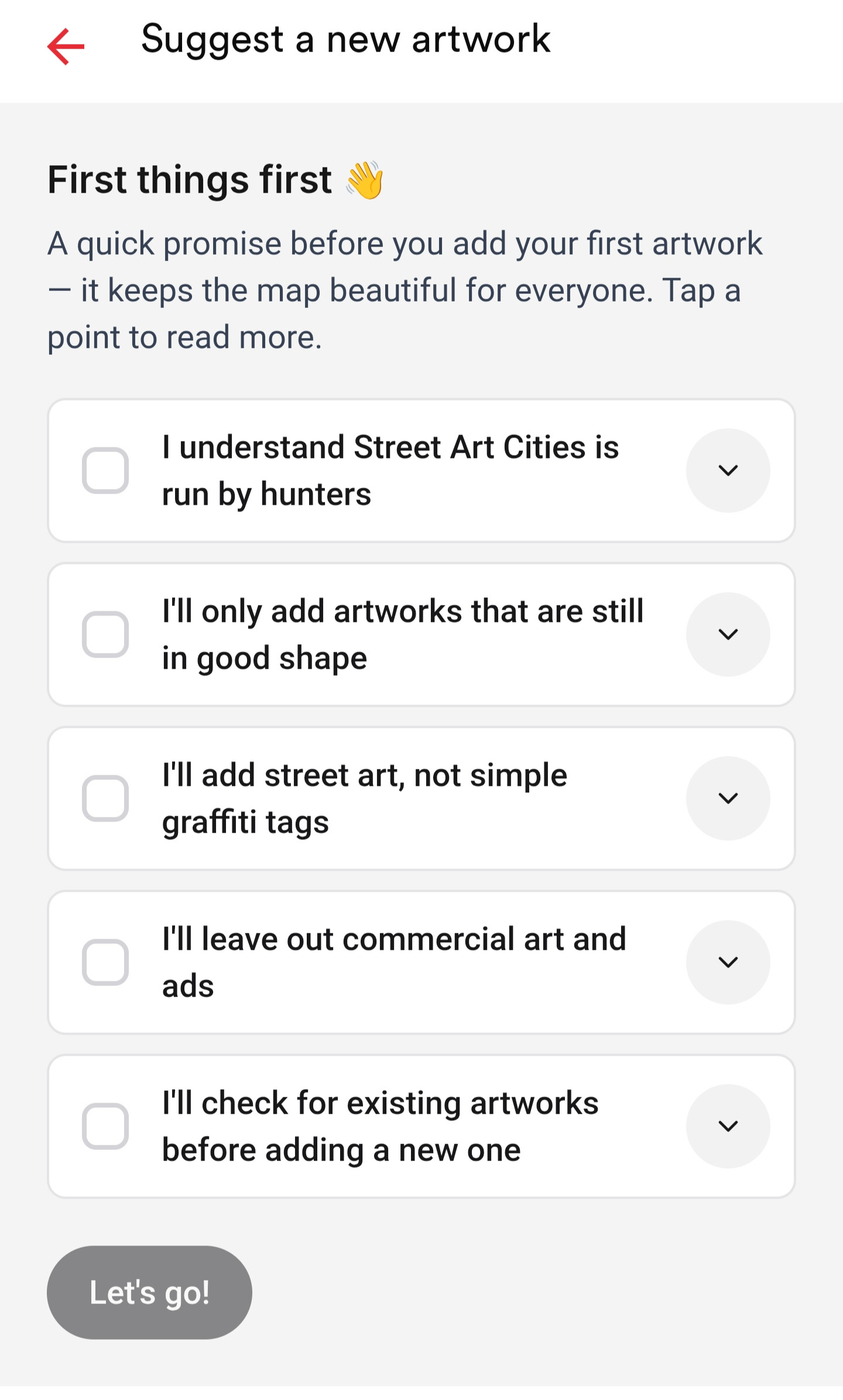
Users are asked (implicitly, through the flow) to ensure the artwork:
-
-
Is still in good shape: no destroyed, heavily faded, or half‑buffed pieces
-
Is not a tag or throw‑up: we only map murals, installations, and high‑effort street art
-
Is not commercial work: no ads, brand activations, or corporate murals
-
Hasn’t already been uploaded: they’re encouraged to check the map first
These checks dramatically reduce noise and keep suggestions aligned with the quality hunters expect.
Once a visitor passes these guidelines, the suggestion flow works like this:
-
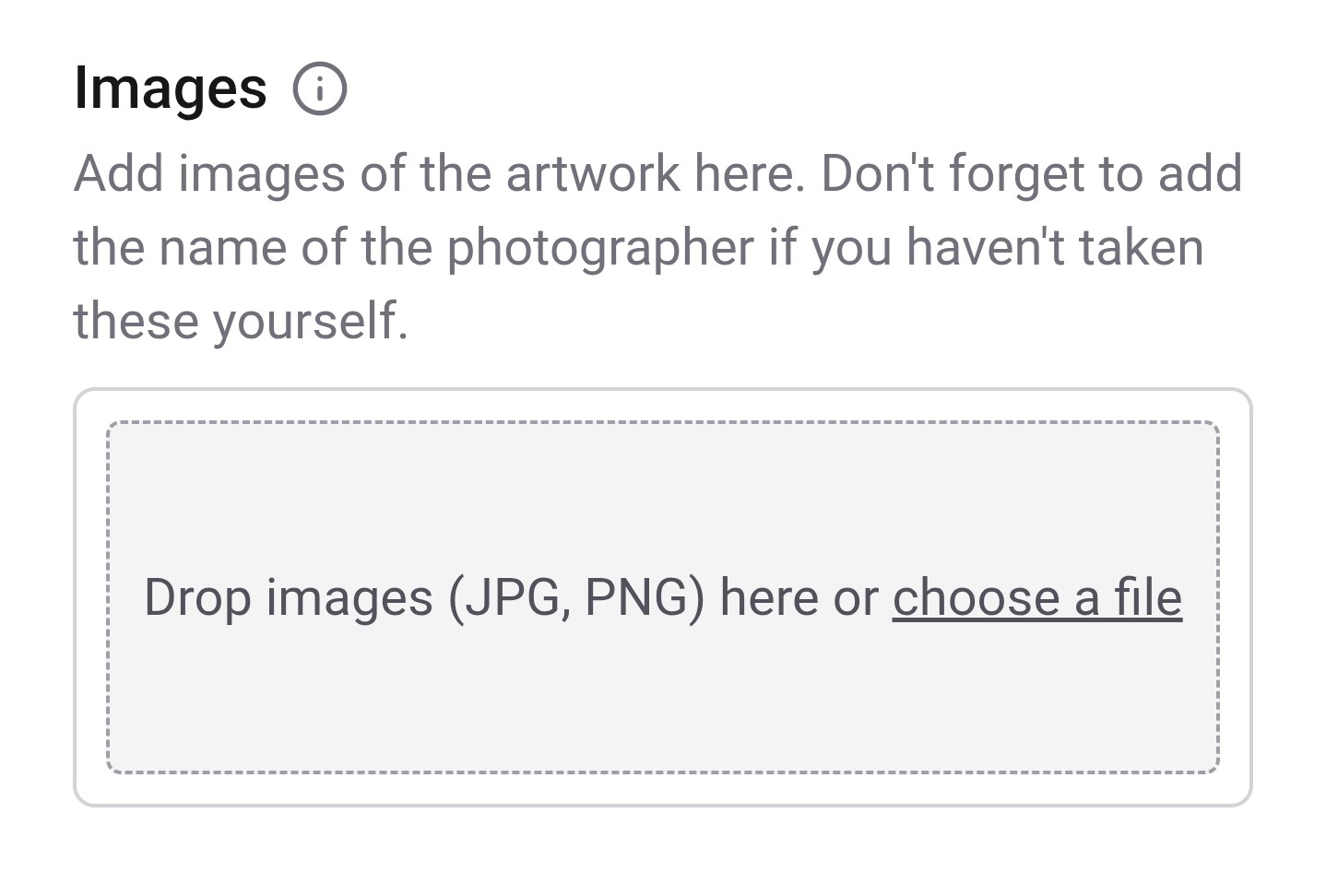
They upload at least a photo and a location
-
They can optionally add artist name (when not known, the ‘unknown - city’ format is automatically added), title, address, description, or other details
-


-
The suggestion appears as a note in the city’s hunter dashboard
-
Once the artwork is approved, the user receives a notification
This keeps the process community‑driven without compromising the standards that define Street Art Cities.
If you want to expand this section further or turn the guidelines into a visual checklist, tap guideline checklist or visitor flow.
2. Where edit suggestions appear
On the website: Marker Page (••• Menu)
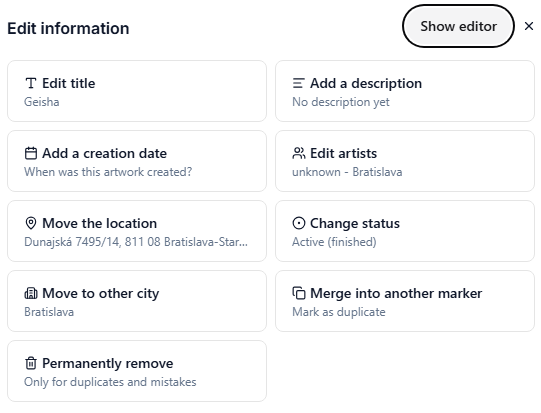
Every artwork or place marker includes a More (•••) menu where visitors and hunters can submit edits directly.
This is ideal for quick fixes like wrong tags, incorrect artist names, or location adjustments.
Hunter dashboard: unified review queue
All edit suggestions flow into the same queue as artwork suggestions.
This allows hunters and admins to:
-
See all pending edits in one place
-
Compare suggestions with existing data
-
Accept or reject edits quickly
-
Keep the city clean and consistent
Explore the queue: review queue.
2. Who can process edit suggestions
Super hunters, admins & country managers
All suggestions can be handled by super hunters, Super Hunters are experienced, trusted members of the community who now have platform-wide edit rights. Admins and country managers so only a select team that knows the guidelines will be able to process these edits.
Final Thoughts
This new system is a major step toward community‑powered documentation, faster moderation, and cleaner city maps.
It also lays the groundwork for future features that will make Street Art Cities even more collaborative and scalable.