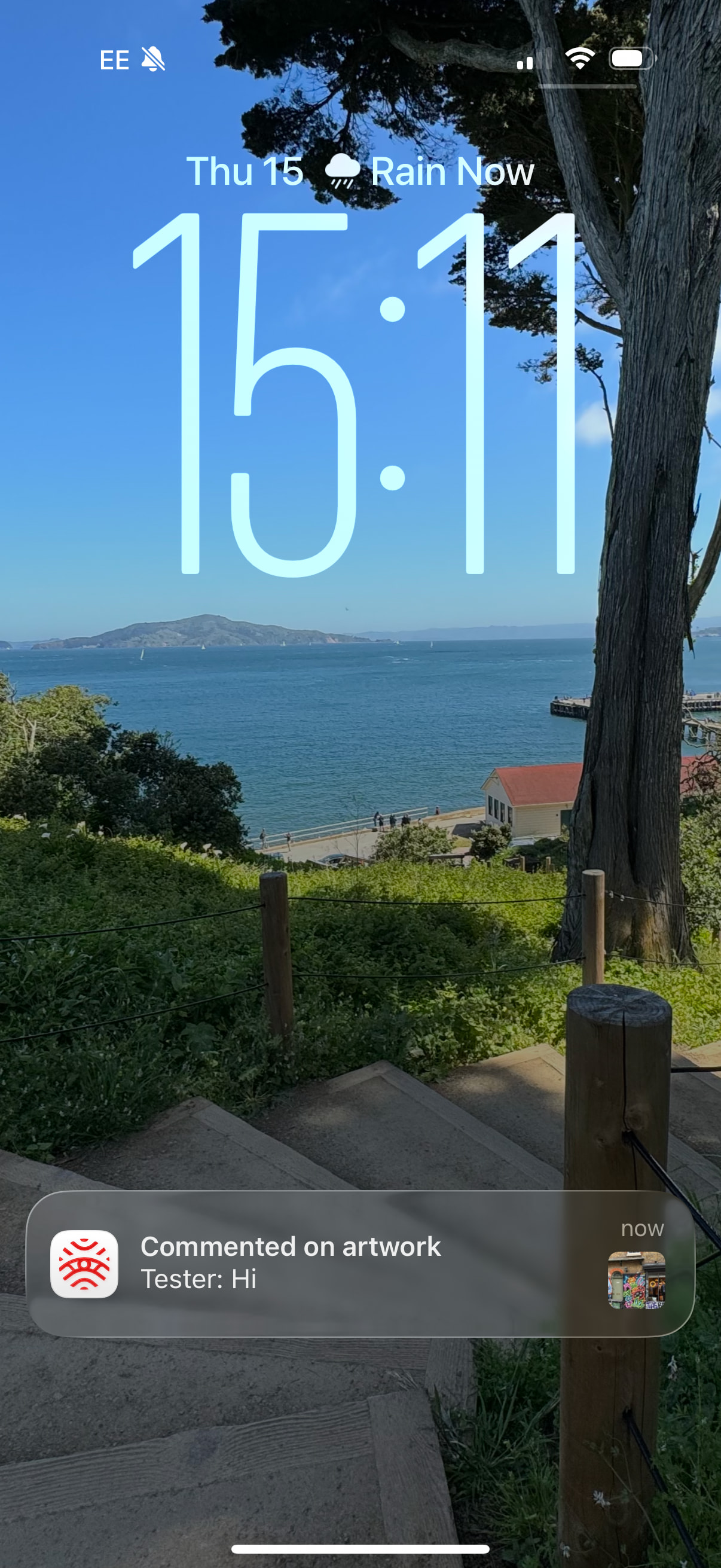
We’ve made a small but meaningful update to Street Art Cities. Now, if you created a marker for an artwork, you’ll automatically get an app notification whenever someone adds a community note to it.
This helps you stay in the loop and keeps conversations around your marked art lively and connected. If you’d rather not get these updates, there’s an easy toggle in your dashboard to turn notifications on or off.
Same as your experience Tim. I had a piece that I hunted receive two community comments and did not get a notification either time… only saw them in the dashboard.
I don’t believe I or Neda have ever seen any of these notifications, and there has been quite a few community notes since this announcement. I just checked my Notification settings and I have it turned on.
Where would I see these notifications? I’m not a huge app user, mainly use the website.
Ok, so this is completely my fault, and I apologise. This approaching 70-year old misunderstood completely what we were talking about here and was thinking there was something internal to the app where I would see this, misunderstood that we were talking about the actual phone notifications, which I had turned off for the SAC App, as I do for most apps because they annoy the hell out of me. I have enabled them but I fear it will only be temporary and only long enough to see what it looks like.
Personally I’d prefer these as an email notification, but will monitor and see how it goes, and yes I know I can fiddle with the notification settings within the SA preferences which I will do as I experiment.
No worries, I was highly suspicious it wasn’t working as well, since I hadn’t seen any of them pop up for myself for a while.
Agree we should have the option to send these over email as well.
We already send email notifications instead of mobile push notifications if you haven’t used the app for over 30 days, but maybe we should look into making it more clever and have it detect when notifications are disabled/silenced.
By the way, if you’re on iPhone - I personally find the Scheduled Summaries feature super handy for apps like SAC, where I do want to see the notifications, but don’t want to be bombarded with them throughout the day.