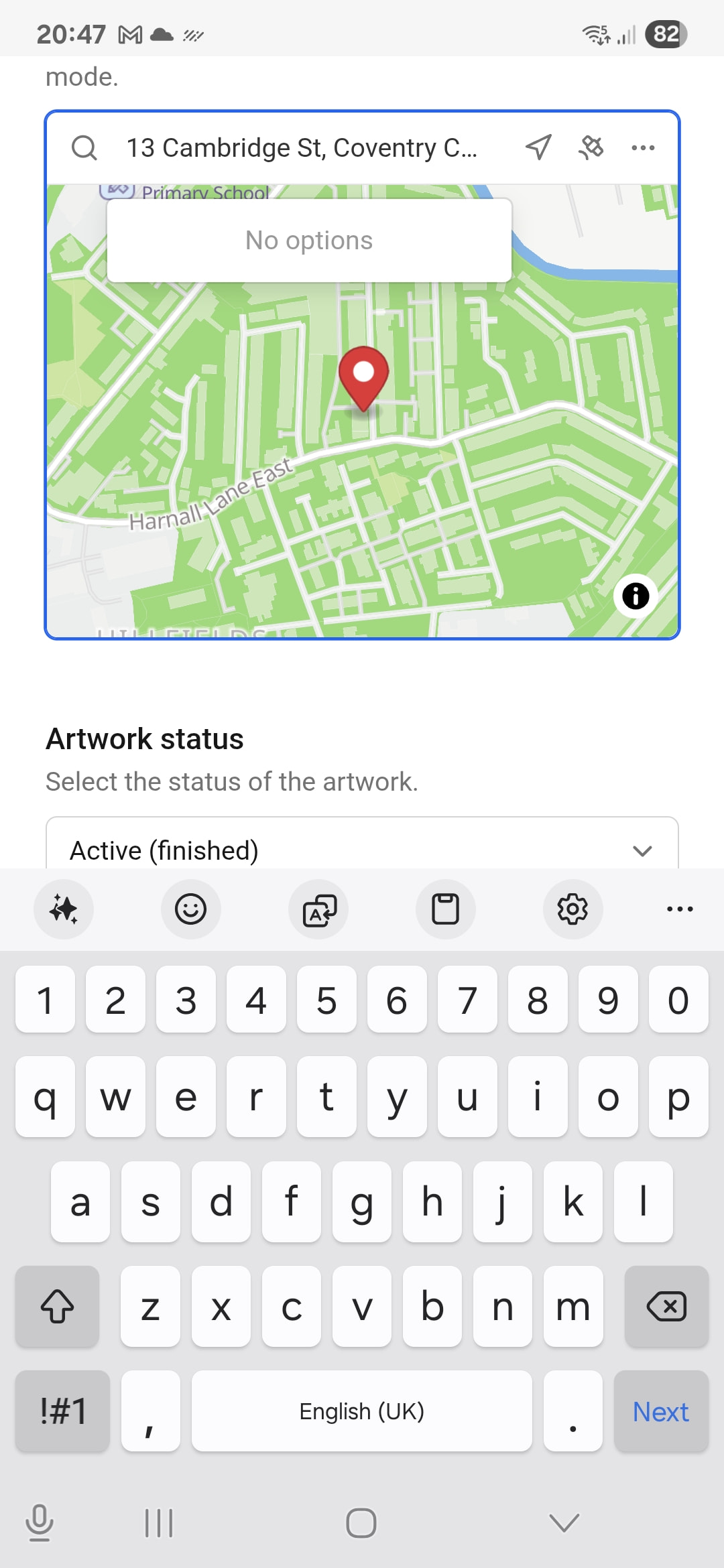
Hi! I’m using a Samsung S24 Ultra, but this problem also exists on my Galaxy tablet.
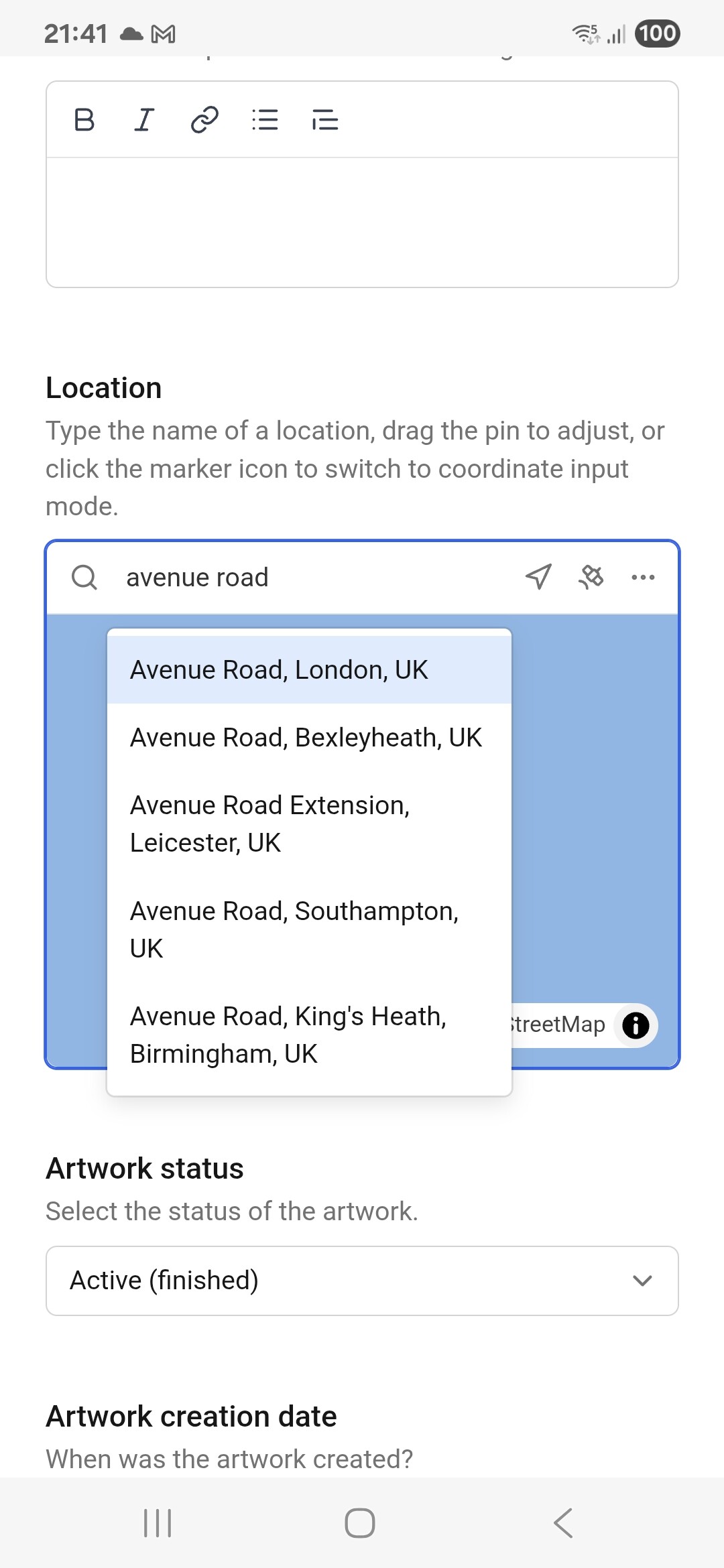
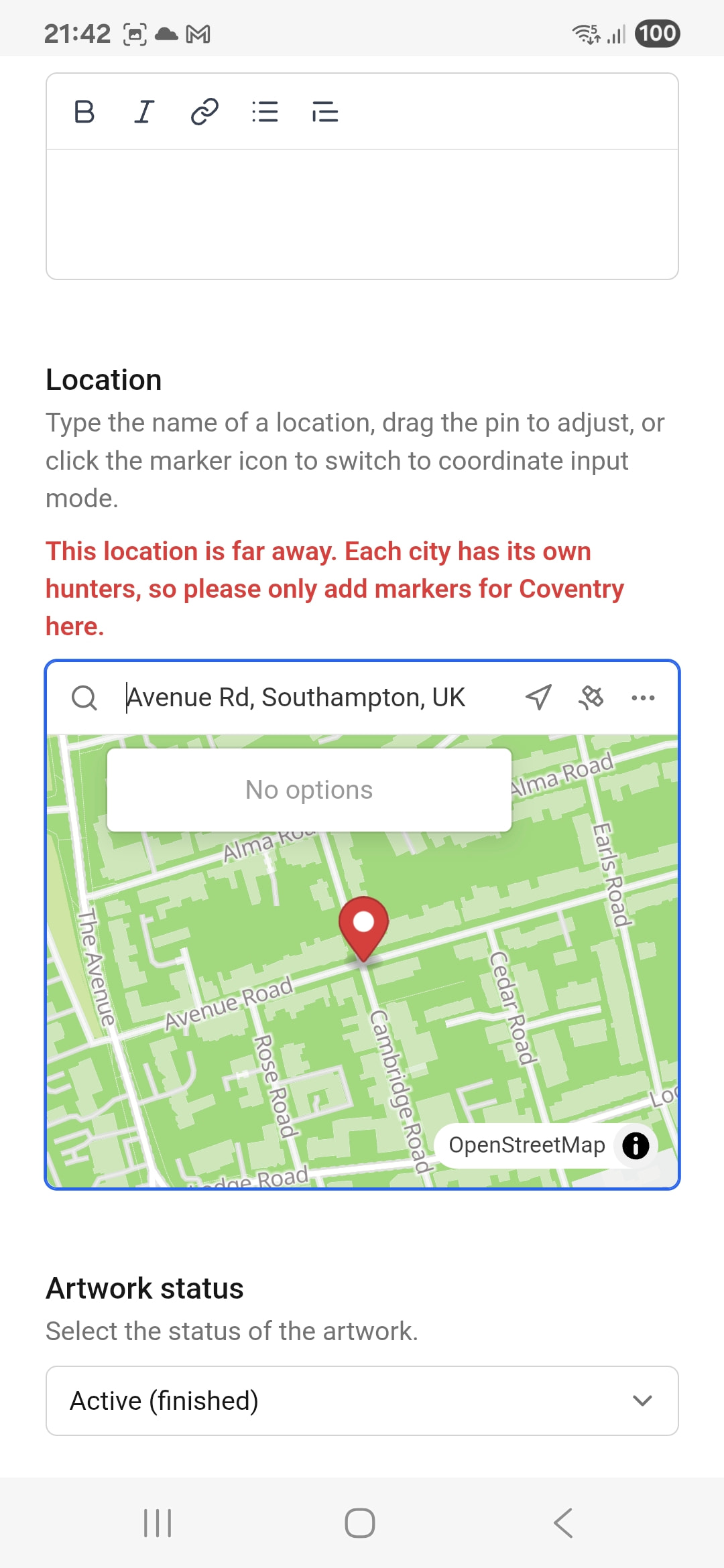
Anyone else having trouble with the address field, when trying to position a marker? If the default position of the marker is too far to move to the correct location, I’ll type in the address in the field above the map. That works most of the time, but every now and then, phat phingers will touch the wrong address from the drop down box, and whoops! the mural is now apparently hundreds of miles away.
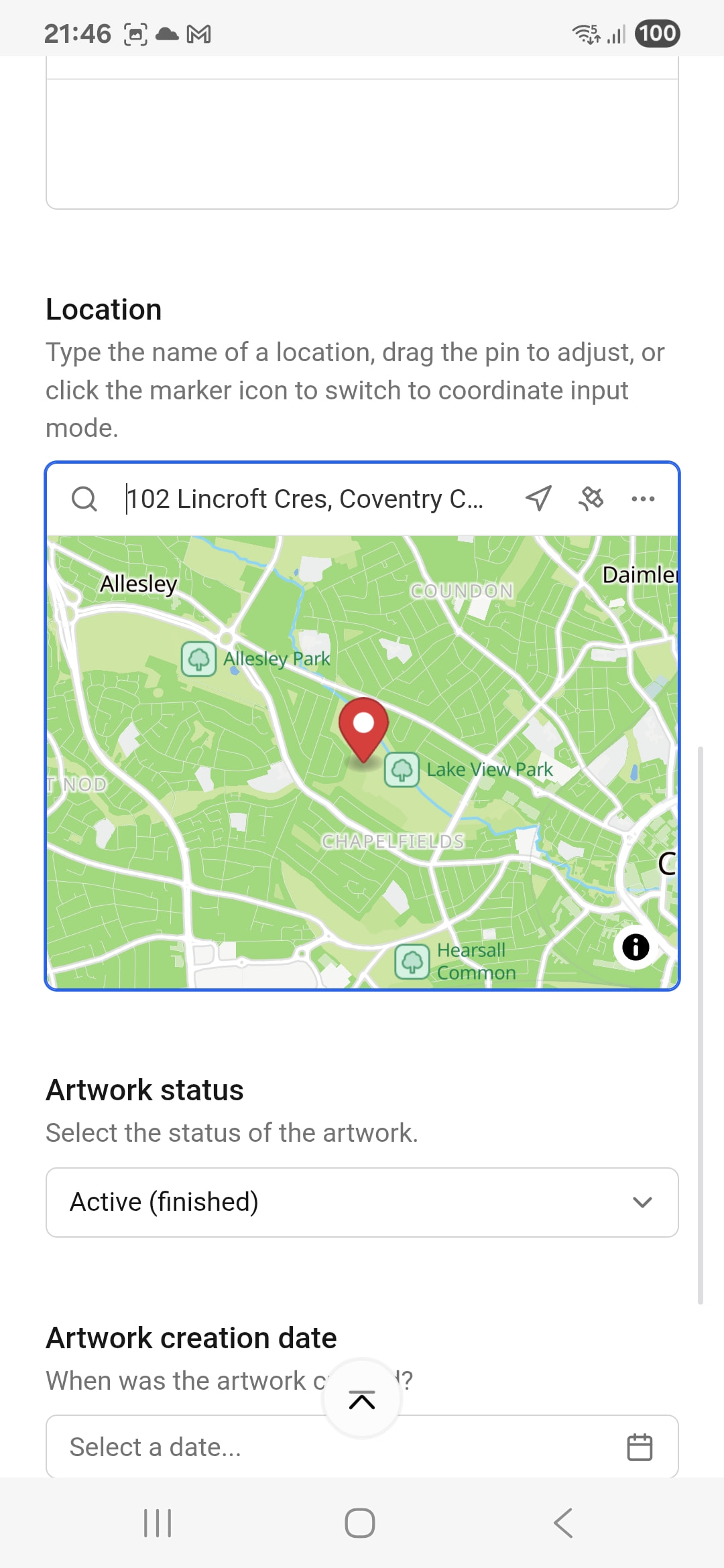
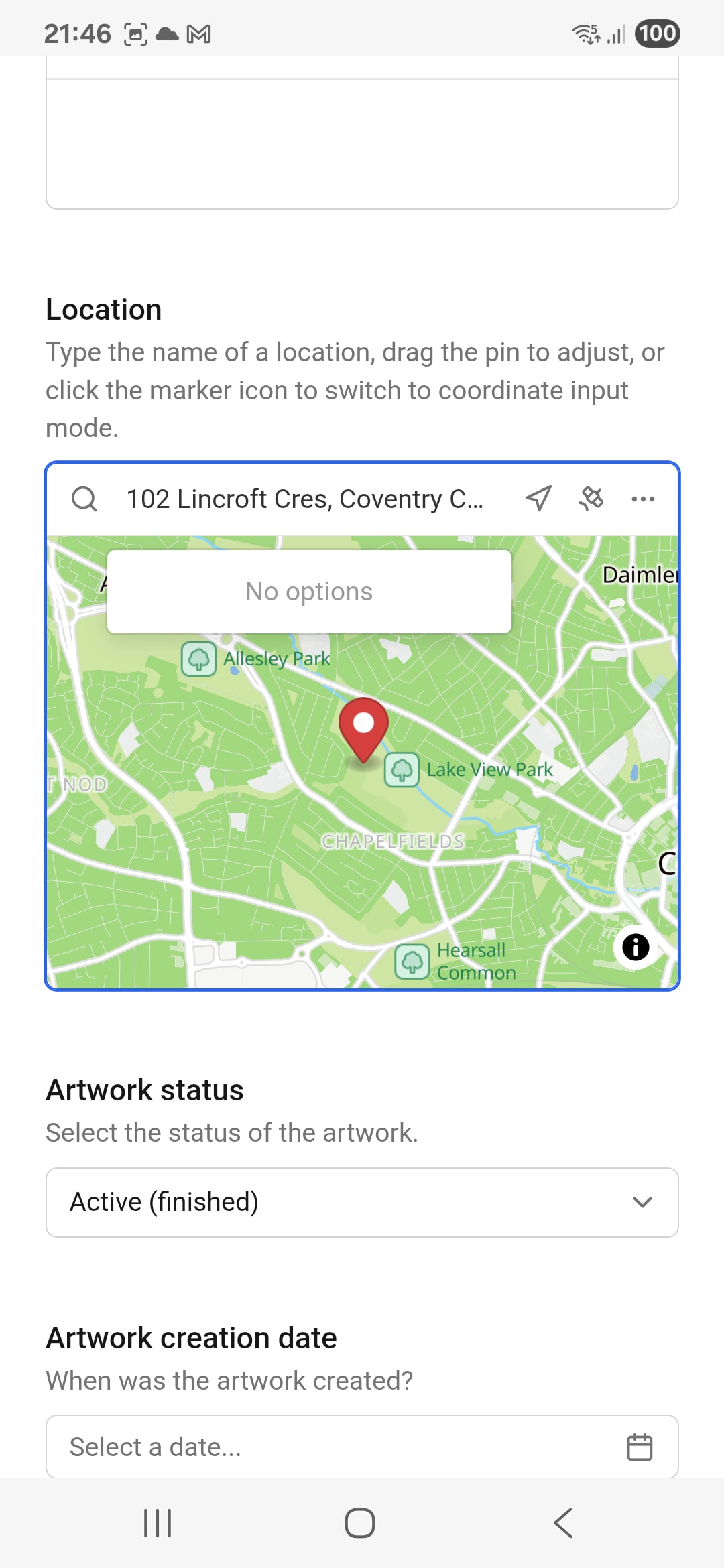
So… this is where I should be able to retype the address in the text field, except that can no longer be edited. I can’t select the text to highlight and delete it; I can’t move the cursor, I can’t type. I can just drag the marker, but manually dragging the cursor from one city to another is time consuming. I’m just glad I haven’t yet ended up in the wrong country yet
So, I have two choices. One is to publish the mural (because, by the time I reach the marker position stage, the mural will publish, not save as draft) and then reposition the marker afterwards. I don’t fancy that, because of the whole lack-of-grace period and I don’t really want to tell future visitors to that mural about my apparent lack of hand-eye coordination .
The second choice is to hit the browser back button, and lose all my work. Yes, I can save the text to a document, but if I’ve just spent 5 minutes carefully uploading 10 photos in a specific order whilst stood in a particularly freezing cold and windy area, the prospect of doing all that for a second time is somewhat frustrating.
…
…
… breathe, Stephen…
…
…
TL;DR: text field above map on Edit/New Artwork page can’t be typed in once a location has been given. Manual dragging of marker is only option. Am I doing something wrong?
Weird! I am able to type a new address on my iPhone, but maybe it’s and android specific issue, will test on an android phone today or tomorrow and check if there’s something I can change about its behaviour!
I finally gave it a try, but I’m seeing the same on my Android phone as I am on my iPhone, where I can still edit after choosing a location (https://mirri.link/Z62BSR4pR).
Could you perhaps show me what it looks like for you? Keen to help resolve this!
I thought i would have a go at recording it, and it works! So, either…
the problem has fixed, or
it was never a problem in the first place and I am an idiot.
I suspect (2).
What i think idiot me did was i tried to delete the text in the text field before typing. What i didn’t realise was just typing would have completely overwritten it.
(my excuse is that as the text wasn’t highlighted and the cursor was flashing at the start of the text, I was trying to treat it like most other text entry fields. Yeah, not much of an excuse…)