Now that users can suggest edits to artworks directly, the community notes, where you could report things like “Incorrect artist” or “Artwork removed” are obsolete, and were requiring a lot of manual work from country managers and hunters that users can also do themselves.
Therefore, we’ve changed community notes to only come in one flavour now: comments.
Notifications page
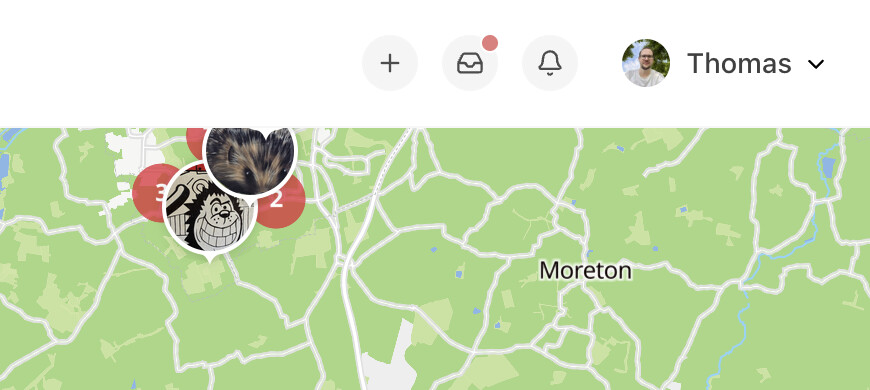
To make sure you can still see those comments, we’ve introduced a new ‘notifications’ page, which can be accessed from this new ‘bell’ icon on the website:
You can also access this page from the home screen of the app.
Settings
By default, notifications of new comments are sent to the original artwork uploader and the artwork city’s hunters. You can disable these notifications in your account settings.
Review queue
This massively simplifies the review queue, where you can now only see suggested edits that need to be accepted/rejected. If you still want to see community notes, we’ll keep this page around until December:
Hopefully this simplifies and clarifies some things. Please let me know if you have any feedback!
I have questions. You knew I would though didn’t you … lol.
I have just created two comments on two artworks. I can see the Comments when I view the artworks but I did not receive any notifications for them, and nor did I see anything in my Notifications queue (just some messages about badges, that seem to be repeated twice).
Is this the expected behaviour (ie you don’t get notifications about Comments you make)?
One of the options on a Comment when viewing it on the artwork is “Mark as Resolved”, what does this actually do? Does this remove it from the Notifications queues of all people for whom it appears? Is it the same as Marking it Read in the Notifications queue?
If I mark a Comment Notification as Read does it disappear from everyone’s queue, or just mine?
Once a notification is marked as Read is there anyway to see them (ie see ones you’ve marked as read).
It is indeed, you won’t ever receive notifications about your own activity.
It just changes how the comment is displayed, by collapsing it. See also this. The creator of the comment, and hunters, country manager and super hunters can do this.
There’s no interaction between this and user’s notifications. Your notifications overview is just yours, and when you mark something as read or delete notifications, it doesn’t change anything for anyone else - similar to your notifications on Facebook etc.
Personally, I don’t mind that much either way to be honest. Some community notes have been there for a long time, or can’t be verified, etc.
They’ll always stick around as comments (even post December), so people will still be able to see that someone reported it, even if the artwork wasn’t edited as a result of the community note.
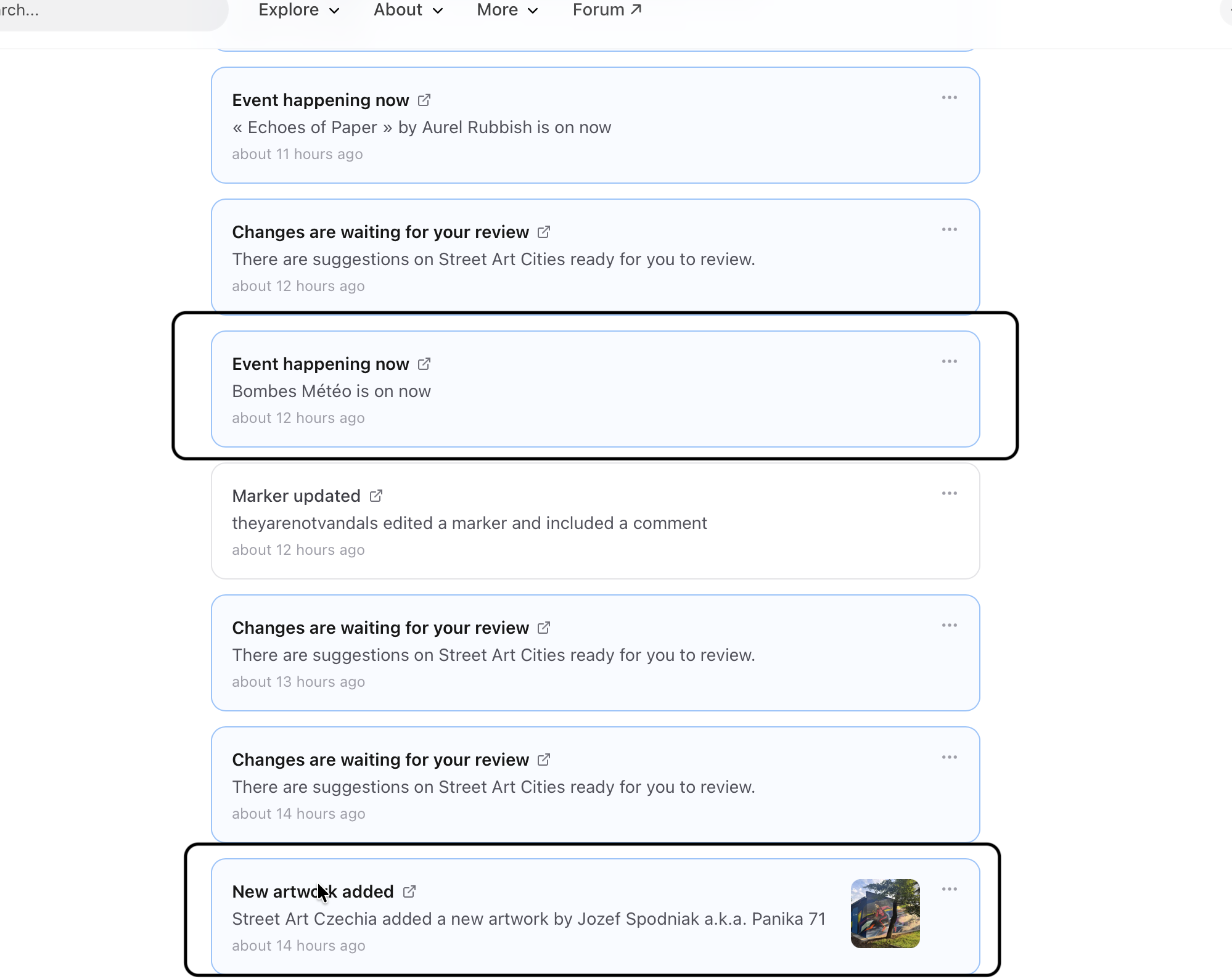
-I see an event in the list?
-Why do I see a new upload of Street Art Czechia in this list?
Is my impression correct we have to check first ‘My Notifications’ and eventually afterwards ‘Review Queu’?
I removed some community notes through the link. There I can see the evidence photos.
When I am going from My Notifications → Changes are waiting for review (for example a removed)… I am going to Review Queu and not seeing the added photo (which is essential)
My conclusion for now is, there are changes. Still need to double check for a removed.
To my opinion: a removed suggestion should be linked to the ‘removed community note’?
Maybe I just see it totally wrong and stuck in the old way?