This one has been a long time coming - if you upload an image that contains GPS information, we now automatically set the artwork location for you.
You might still need to tweak this (e.g. because the image was taken from across the street), but hopefully this makes adding new artworks a bit easier.
If you’re uploading images directly from your phone, you might need to select you want to share location data, as this is disabled by default for privacy reasons. On iPhone, you can do this by pressing Options when selecting your image.
The SAC Hunter Guides recommend always use the JPG file format. This will result in smaller files than PNG which not only means they will load faster for viewers, but are also result in lower server hosting costs for the platform.
Not using JPG is less of an issue these days since we automatically convert all the images that are uploaded, but it’s probably still a best practice to make sure the pictures look the way you want them to look.
Regardless, I’ll look into adding PNG metadata extraction, feels like we should support that just in case - thanks for the suggestion @Lulo!
I used to upload in JPG format, but sometimes after uploading the file I noticed that the image isn’t displayed and is replaced by the logo of SAC. This is the reason y begin to use PNG format. I will try to find an example of JPG file with this problem and send it to you.
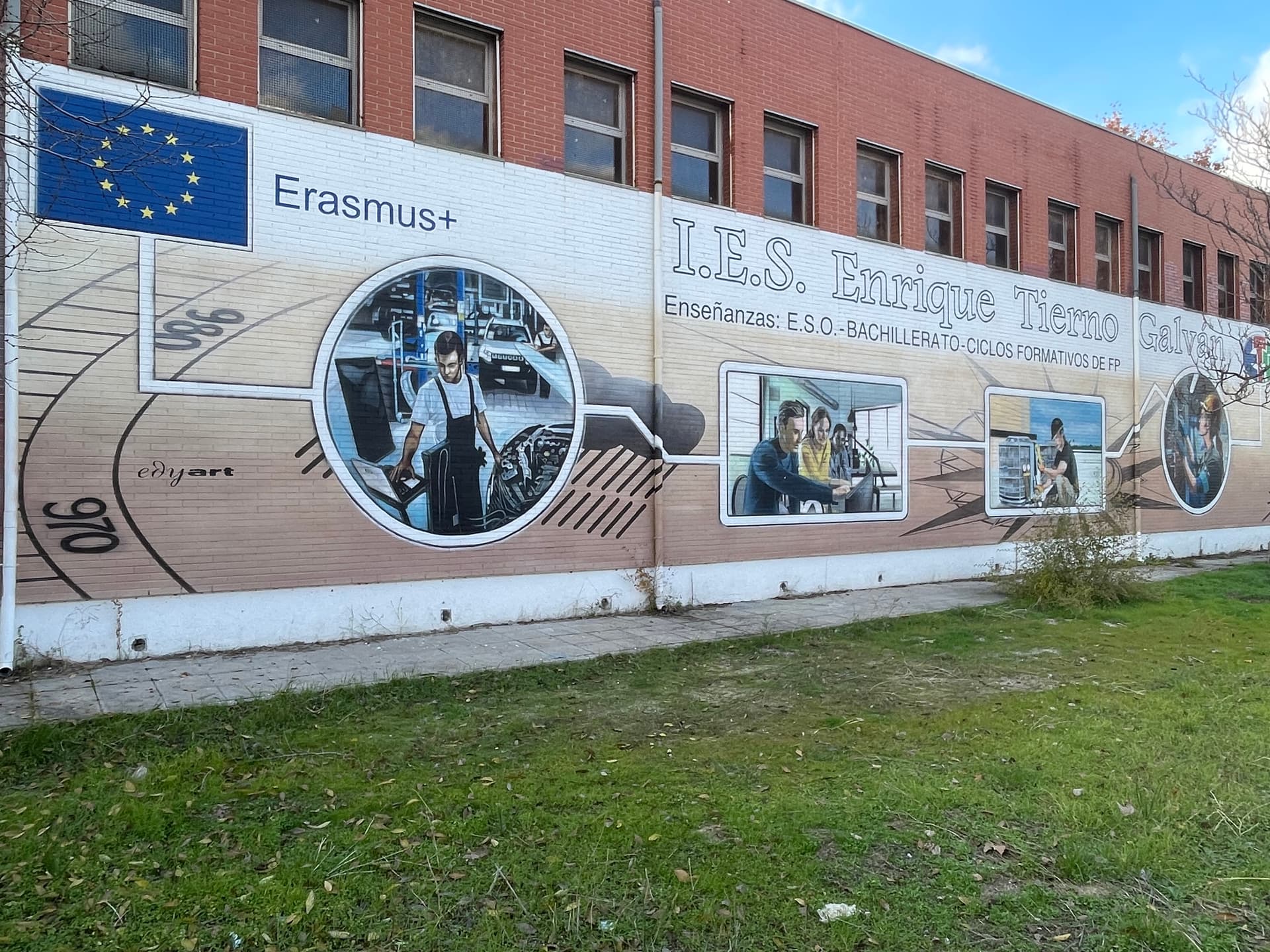
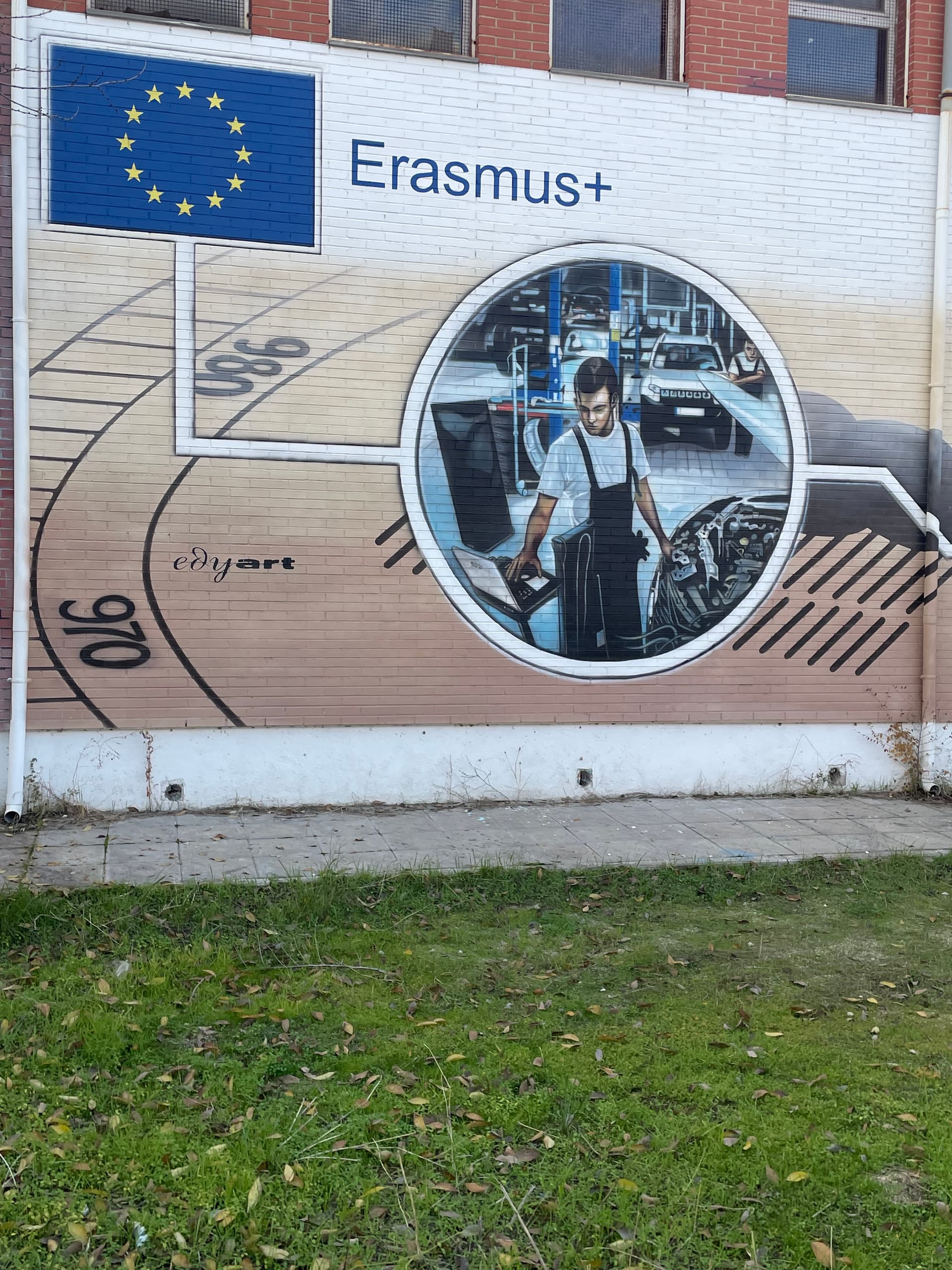
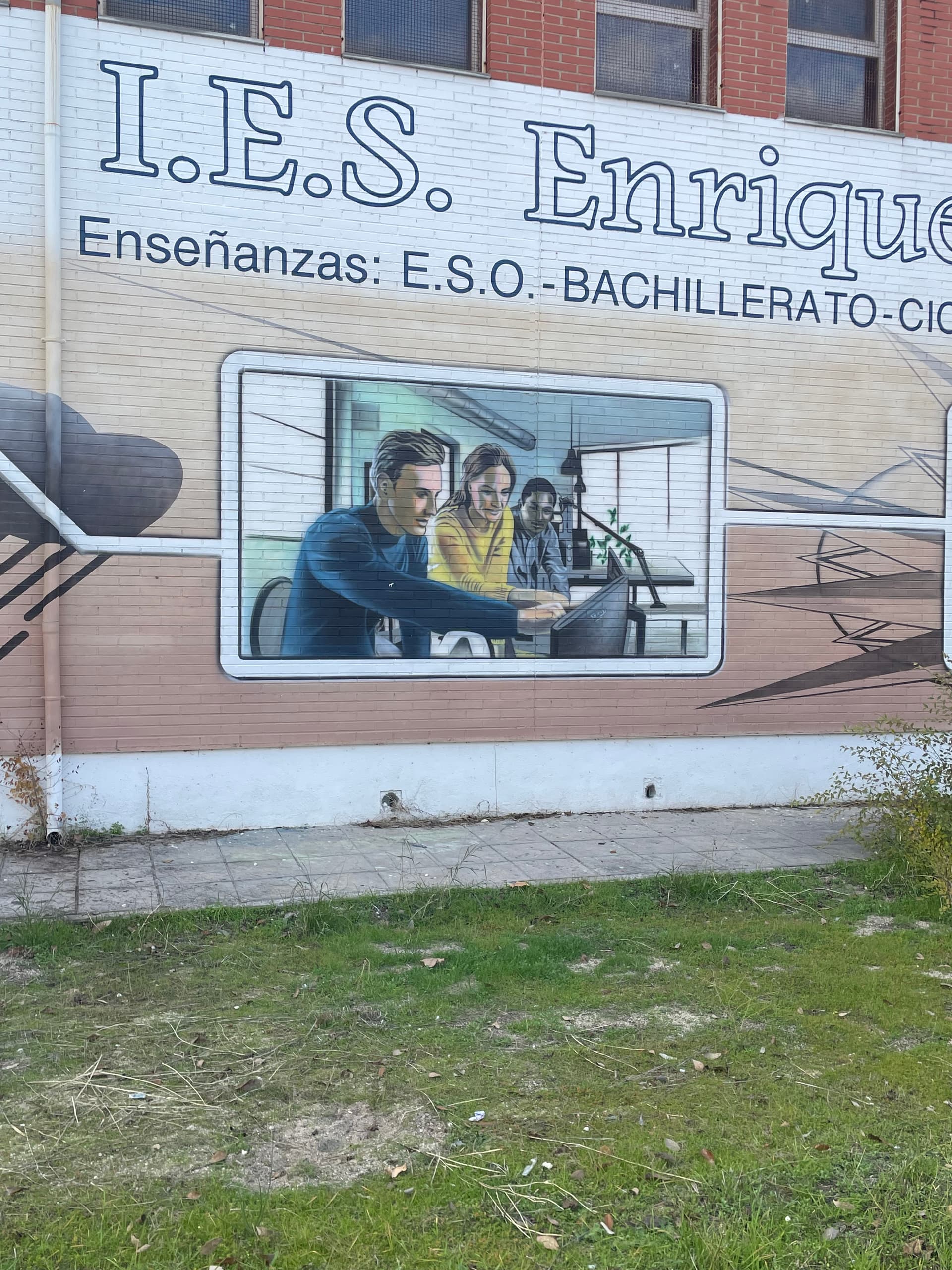
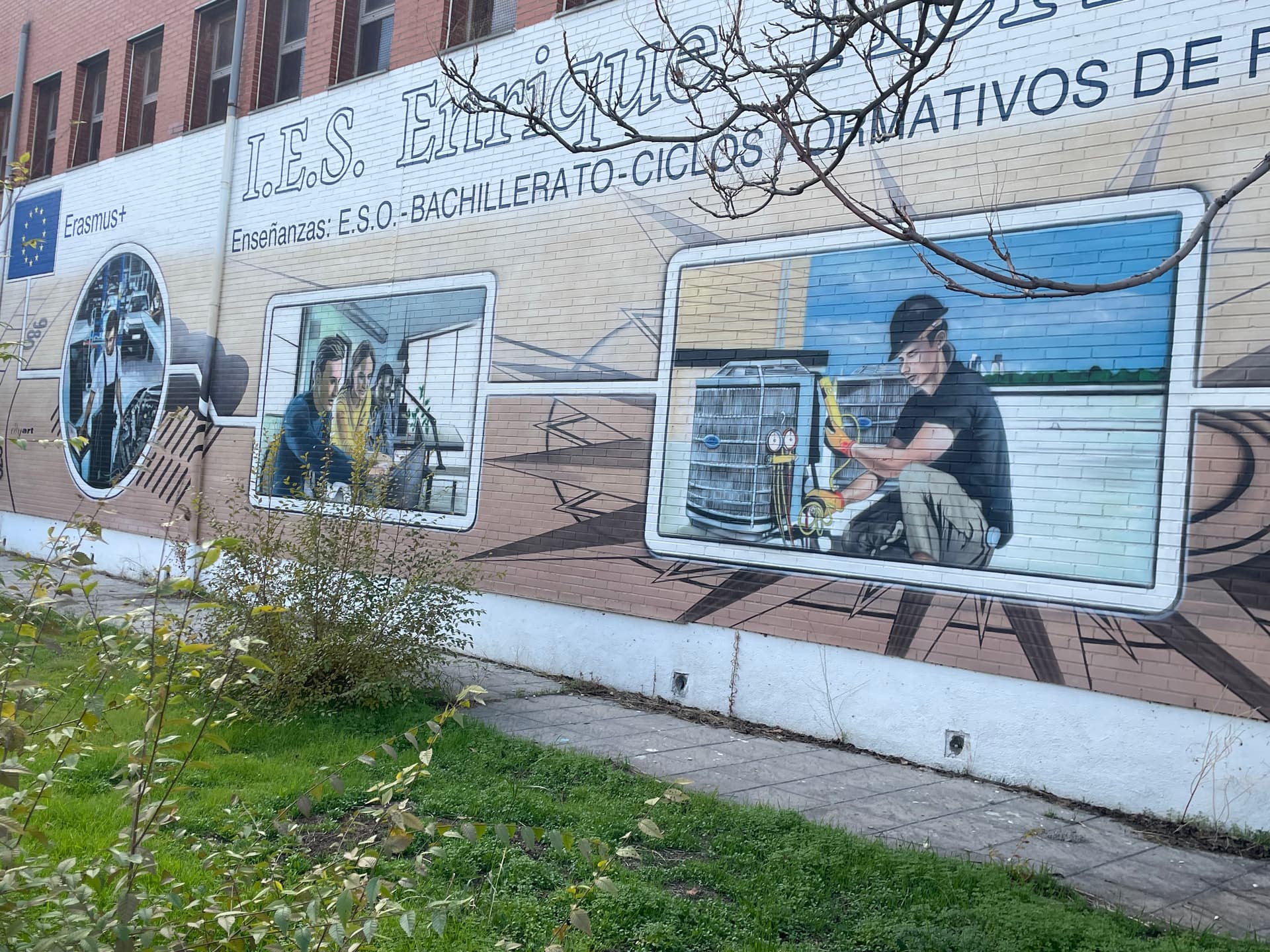
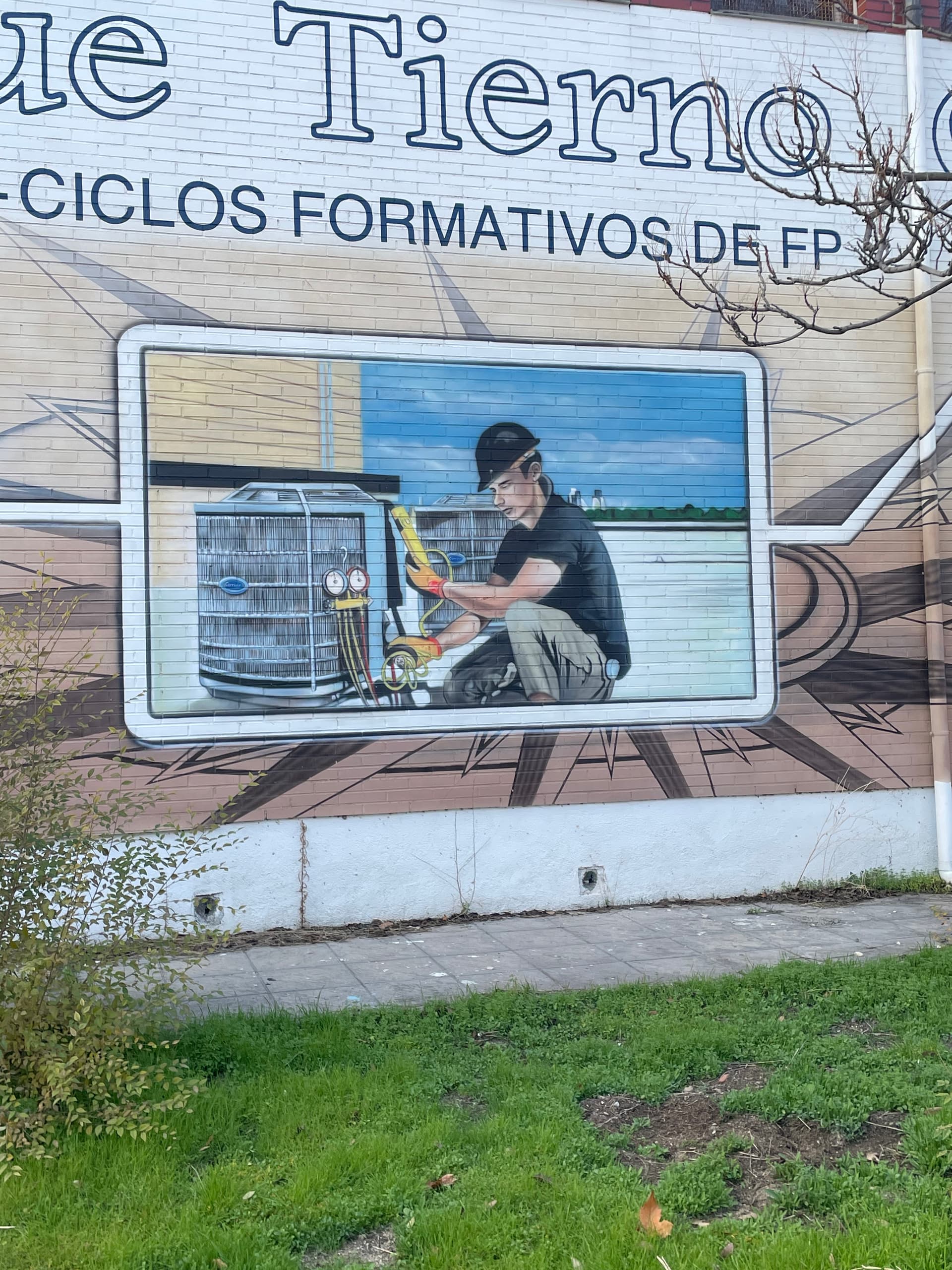
I reproduce the JPG image uploading problem with this mural:
the IMG_1503.jpg load until 100%, but it is not displayed.I convert to png format and it uploaded perfectly. The other images of the mural in jpg format uploaded well.
All the files come from the same iPhone.
If you want I can send to you the files in the 2 formats.
Um, it seems that perhaps is something related to my connection. Next time I will try to send it again
using a different wifi to check if it’s the problem.
This is really good, it is a way to speed up the upload of places, that they are correctly located and thus be able to prevent a person from uploading different murals incorrectly located in the same place.