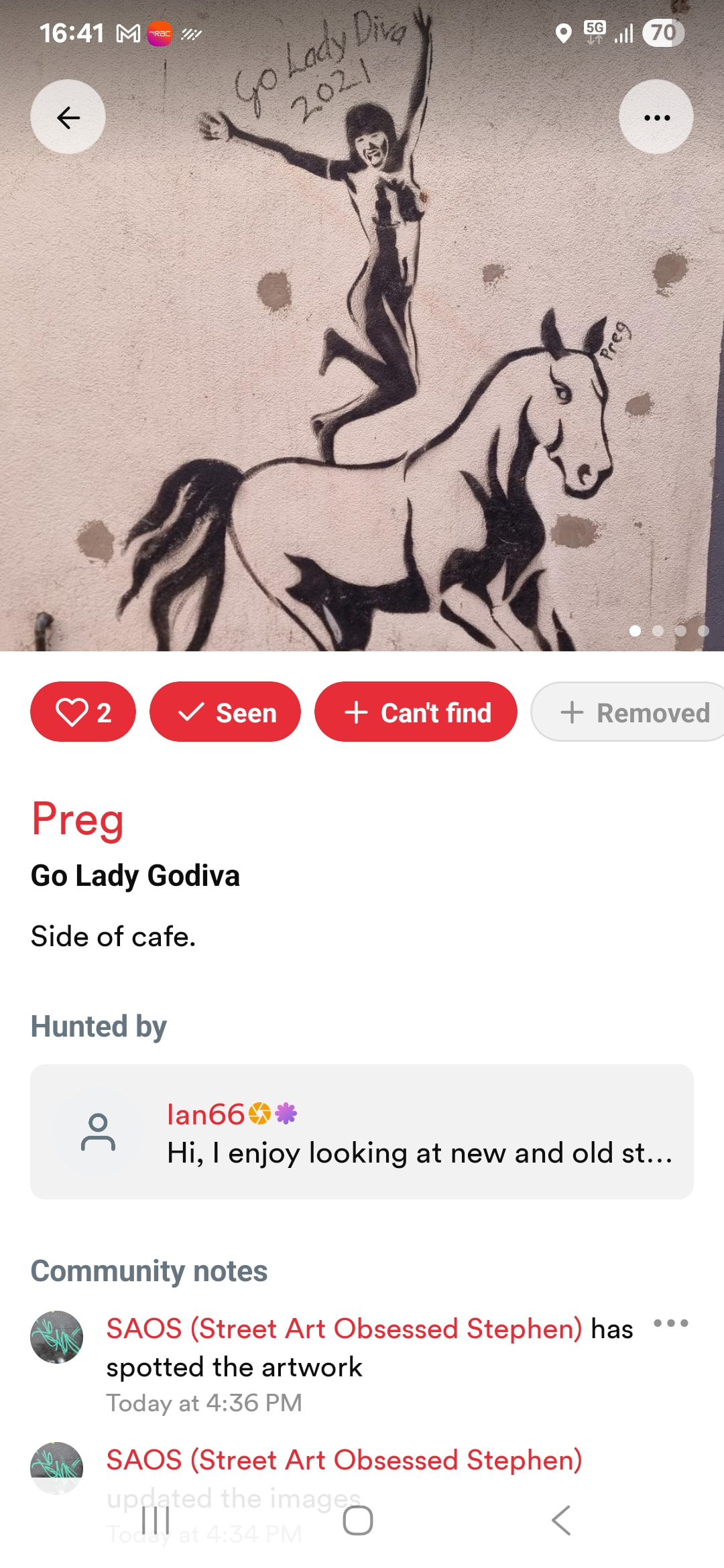
Having initially failed to find this mural (marker in wrong position) I have now found it. I’ve updated everything, added some pics, and even clicked the mural’s Seen Button.
Only thing is, I can’t unclick the Can’t Find. I select it, and it tells me that I’ve already reported it.
There are no markers noted in my inbox that need attention.
So, how do I stop this mural being affected by the ghost of Schrodinger’s cat?
You could always leave a comment stating you found it after all, maybe also giving a clue as to how to find it. Probably the reason you couldn’t find it in the first was a location that was a bit off in the app?
Fortunately, as this mural is in one of the places I’m hunter for, I was able to reposition the marker. I also added some photos to give it positional context.
It was only when I selected the already highlighted "Can’t Find” button that i realised that I couldn’t uncheck it, hence me posting here.